Connecting the unit
35Installation instructions
6.4 Making the basic control setting
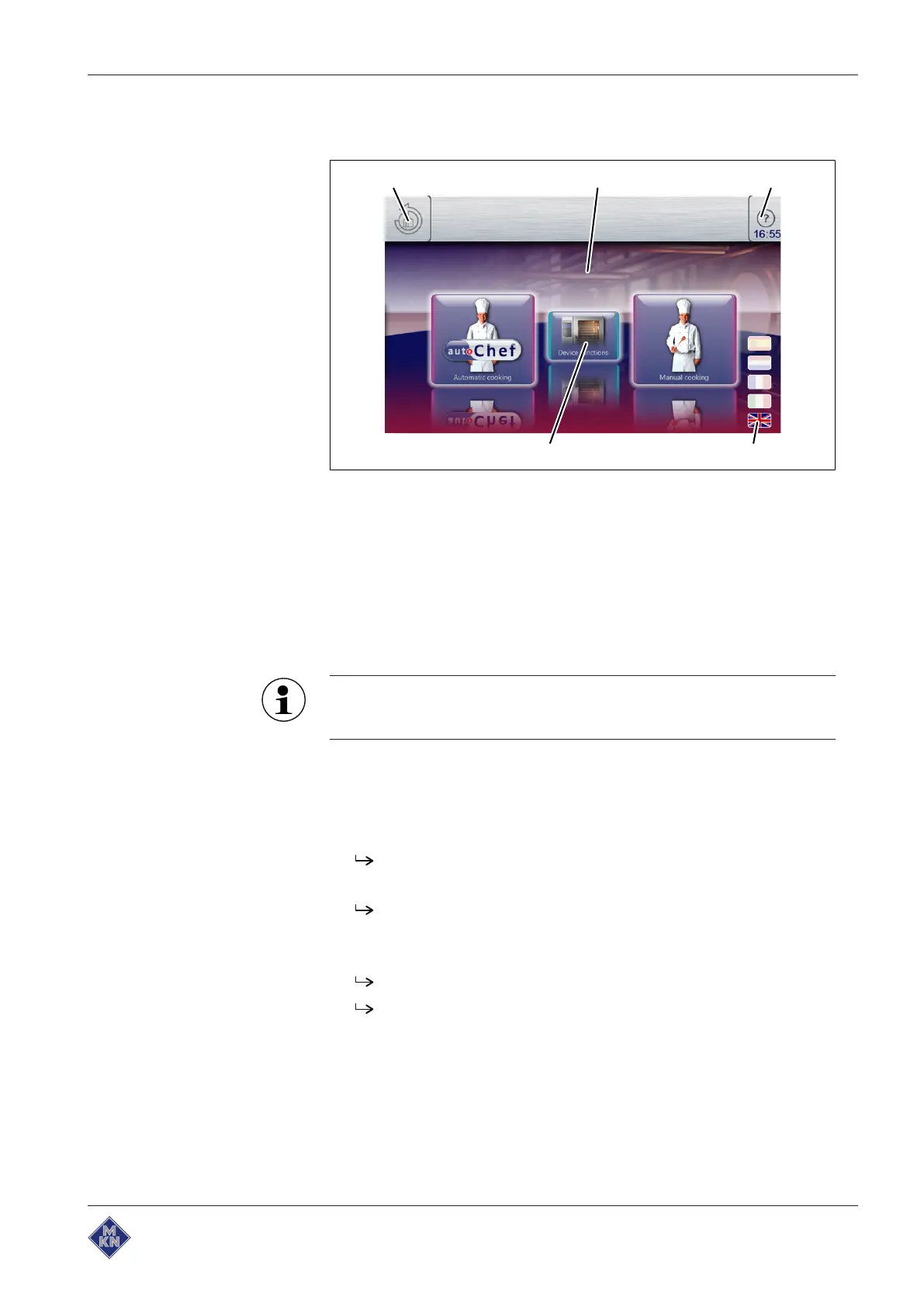
Image: Main menu
a Main menu d "Equipment functions" button
b
FlexiHelp
button e
Back
button
c Language selection
6.4.1 Changing the basic control setting
By entering the password "2100", the basic settings for the installation
can be displayed and changed.
The basic settings are made in the dialogue.
Advanced settings are made via the parameters for the settings.
Requirement The unit is switched on
The Main menu is displayed
1. Tap the "Equipment functions" button.
The
Equipment functions
menu is displayed.
2. Tap the "Equipment settings" field.
The
PIN
window opens.
3. Enter the password.
4. Tap the
Confirm
button.
The
Equipment settings
menu is displayed.
The basic settings can be changed (see "Equipment and
connection data").
5. Fill out the Commissioning report.
10013865-0AIBE-B



 To Next Page