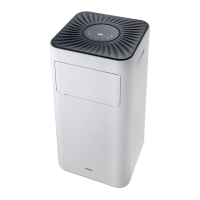
Portable Airconditioner - English manual
17
EN
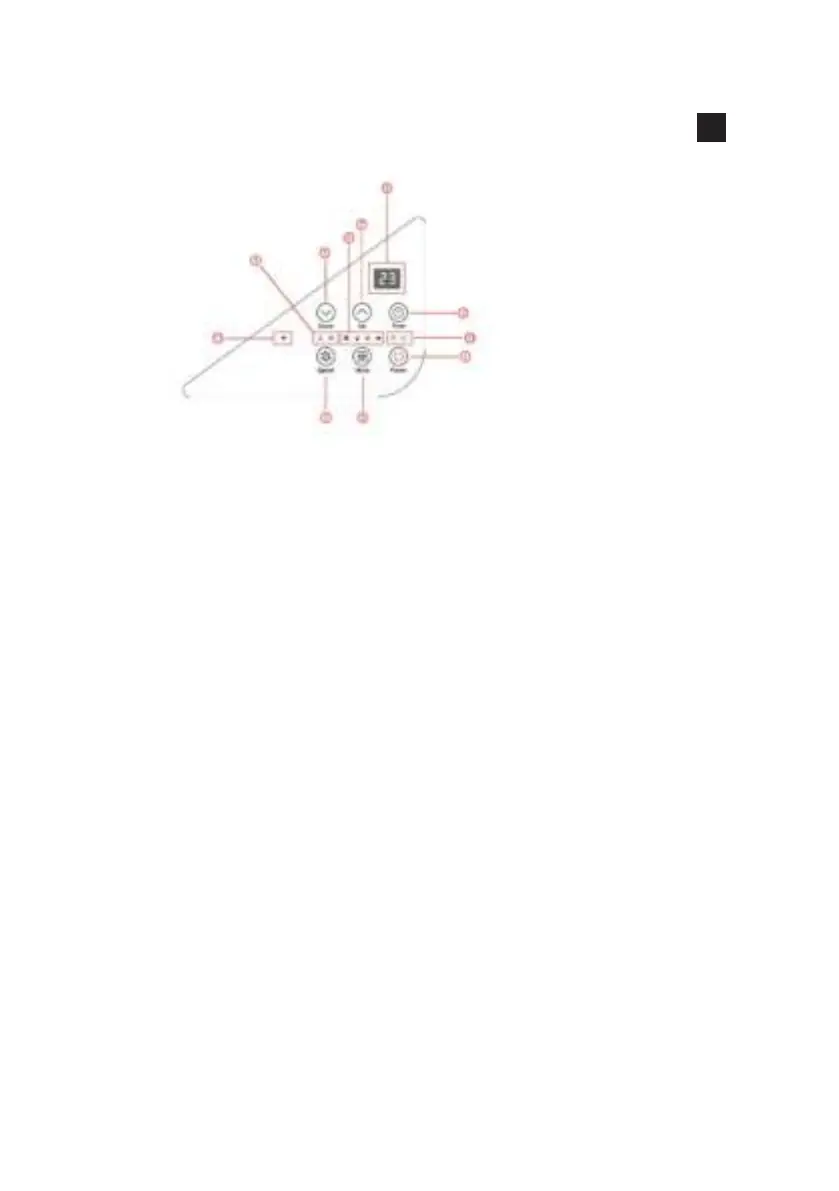
CONTROL PANEL
FUNCTION KEYS AND INDICATORS
1. POWER: Press to switch the machine on or off.
2. MODE :Press to switch the operation mode between cooling,
dehumidier, fan and heating.
3. SPEED: Press to switch the fan speed between HIGH and LOW
4. FAN SPEED Indicator: Display high fan speed & low fan speed.
5. DOWN: Decreasing the desired temperature or timer setting.
6. MODE Indicator: The Mode Display between Cooling,
Dehumidifying, fan and heating.
7. UP: Increasing the desired temperature(16ºC-32ºC) or timer setting.
8. Digital Display: Displays timer setting and room temperature.
9. TIMER: Sets a time for the unit to automatically start or stop.
10.TIMER/POWER Indicator: Display the Power/Time status.
11. WIFI Indicator: Display the WIFI status.


 To Next Page