Sensor Bin - English manual
4
EN
OPERATING MODE
Automatic induction mode:
When people or objects enter the automatic induction area,
the lid will opened automatically, and the induction area is
right in front of the touch area.
Delayed closing mode:
In automatic sensing mode, the lid will remain open when
people or objects stay in the induction area. After the
human or object leaves, the lid will close automatically after
the LED light ashes for 5 seconds.
Manual normally open mode:
Touch the switch screen, the cover opens immediately and
remains normally open. Touch the switch lid button again,
the lid will close immediately and return to auto-sensing
state. normally open 120 seconds.
Ozone function:
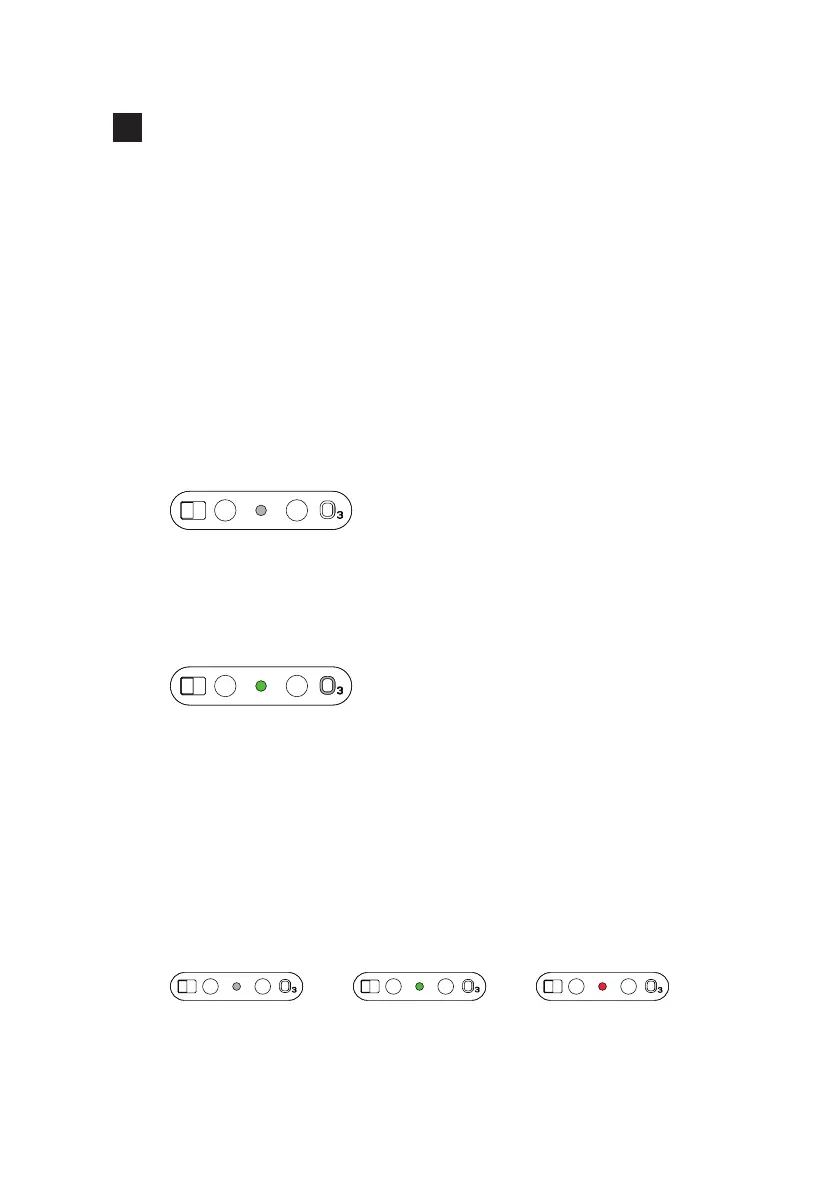
Press the ozone button for 3 seconds, the green light will light up, the
lid will close automatically, and the ozone will start to work and stop
after 5 minutes.When ozone works, if people or objects are sensed, or
the touch switch button is pressed, the ozone will automatically exit,
and it needs to be turned on again next time.
Induction distance adjustment:
The corresponding grade can be adjusted individually by
consumer requirements.
Description of LED indicator light:
when the white light ashes, it means the induction count-
down; when the white light is always on, it means the touch
normally open mode.
If the green light is always on, it means that the ozone
function is working. The red light is ashing, it means the
batteries are running out,pls replace the batteries. and it
means that the battery is low. Please replace the battery.
Auto induction Ozon function Change battery


 To Next Page