EN
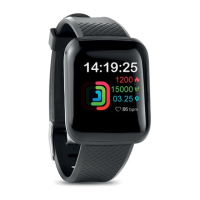
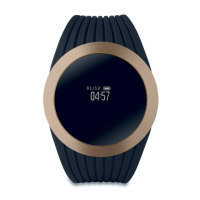
Wireless health wristband
FIRST TIME USAGE
Fully recharge the device before using it and download the free
smartphone APP: getfit2.0
Android
Download and install "getfit2.0" from Google Play. (For Android 4.3
& above with Wireless 4.0)
IOS
Download and install "getfit2.0" from Apple Store. (For IOS 7.0 and
above with Wireless 4.0)
Charging:
To charge the Smart watch, first remove the strap from the
host/display.
Then charge it by connecting the complimentary micro USB cable
to the host/display and a computer or a USB adapter.
PACKAGE CONTENTS
1. Watch x 1
2. Wristbands x 1
3. Charging cable x 1
4. User manual x 1
5. Time display:12/24 -hour format
6. Remote camera
7. Sedentary alert
8. Incoming call vibration alert
9. Social media sharing
10. Alarm clock
11. Anti-lost alert
12. Drink water reminder
13. Smart Wrist uplift sensor for instant time display
14. Battery left indication
15. 7 days data memory
16. Standby time up to 5-7days


 To Next Page