
 Need help?
Do you have a question about the MOB MO9218 and is the answer not in the manual?
Instructions for downloading and installing the "isearching" app on Android devices from Google Play.
Instructions for downloading and installing the "isearching" app on iOS devices from Apple Store.
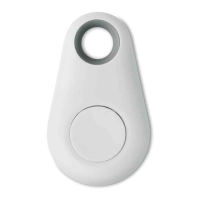
How to switch the i-Tag device on and off using its button, indicated by beep sounds.
Steps to add and connect the i-Tag device using the '+' icon in the 'I searching' APP.
Using the i-Tag button as a remote shutter for taking photos with the smartphone camera.
Finding the last known location of the i-Tag by accessing the 'Loss History' feature.
Configuring the Wi-Fi status to prevent disturbances during specified periods.
Setting a silent period to manage notifications or device behavior.
Managing recorded messages, including stopping recording and deleting files.
 General
| Brand | MOB |
|---|---|
| Model | MO9218 |
| Category | Remote Control |
| Language | English |

 To Next Page