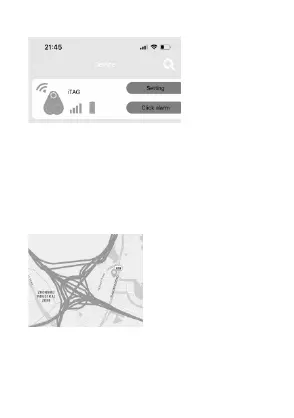
Setting for Alert:
1. Double click the button on i-Tag to trigger the alert to search for
the smart phone.
2. Click the ‘ok’ on the popup notification to stop the phone alert.
3. Tap ‘Click alarm’ icon to search for i-Tag. i-Tag will alarm. Click
the ‘Stop alarm’ will stop the alarm from i-Tag.
Taking photograph:
Press "Camera" button, it will turn to camera mode.
Press the switch icon to switch the front and rear camera.
Press the button on i-Tag once; it works as a remote shutter to
take a photo.
Lost history:
lf you lose your i-Tag, you can find it in “Loss History”. A pin-drop
will be marked automatically on Map and it will tell you the i-Tag
location. Just press "loss history" to find the record.


 To Next Page