MO9456
EN
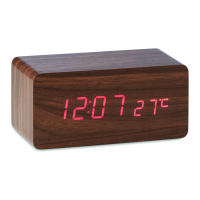
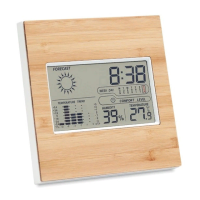
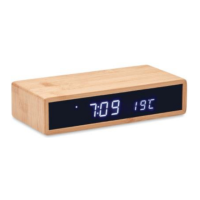
Weather station with charger
Main Function
• Four digital display time+ temperature/date/second. Three
display modes for choose.
• Three groups of alarm
• Energy saving mode
• 4 levels display brightness (L1-L4)
• Temperature display format (C/F switch)
• Power supply: DC 5V
• Snooze function
• Weekend alarm.
• 5W wireless charger
Product specifications:
Input: DC 5V/2A
output: DC 5V/1A
Charging efficiency: 75%
Function Description:
General Mode:
1. Under the standard mode, long press “SET” to enter time setting
mode.
2. Under the standard mode, press “SET” to switch display: time
AL1, AL2, AL3, AL weekend switch time.
3. Under the alarm clock display mode, press “UP” button to open
the alarm clock, long press “SET” enter into alarm setting. Under
standard mode, press the “UP”, switch display mode to
temperature date second, Under standard mode, press “DOWN”
button to adjust the display brightness, default is the brightest.
Time Setting Mode
1. Under standard mode, press the “SET” button more than 2
seconds, enter to time setting, The setting item will flash at
frequency of 1HZ,


 To Next Page
 Loading...