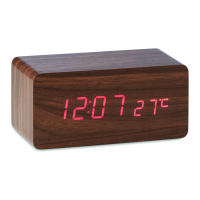
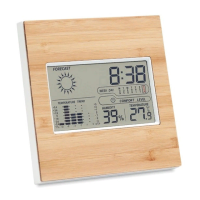
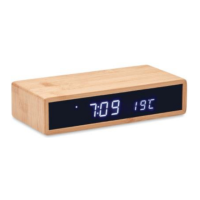
Setting order: year month date 12/24h hour minute exit, and
returns to time mode,
2. Press “UP” button, the set value plus 1, long press more than 2
seconds, the set value increases at the speed of 8 step/SEC
Press “DOWN” button, the set value minus1, long press more
than 2 seconds, the set value decreases at the speed of 8
steps/SEC.
When setting finished, press “SET” button to exit the setting
mode.
3. If no operation in 15 seconds, exit setting mode automatically.
Alarm Setting
1. Under standard mode, press “SET” button turn to alarm setting
mode, the alarm clock 1(A1)/2(A2) alarm clock/alarm clock
3(A3)
2. Under the alarm clock display, press “UP” button to open alarm
clock, when closed display “A1--“; when opened display”A1ON”.
3. Under the alarm clock display, long press “SET” button, into
alarm setting mode. The set item will flash at frequency of 1HZ.
Setting order: hour minute exit.
Press “SET” BUTTON TO CONFIRM
Press “UP” button, the set value increases 1, long press more
than 2 seconds, set value increases at the speed of 8
steps/SEC.
Press “DOWN” button, the set value minus1, long press more
than 2 seconds, the set value decreases at the speed of 8
steps/SEC
4. If no operation in 15 seconds, exit setting mode automatically.
Display mode
Mode 1: time+ temperature
Mode 2: time+ date
Mode 3: time+ second
Snooze Function
The alarm time is 2 minutes, press any button to stop the alarm, it
will start snooze function automatically if no button is selected, the
alarm will reactivate after 5 mins.


 To Next Page
 Loading...