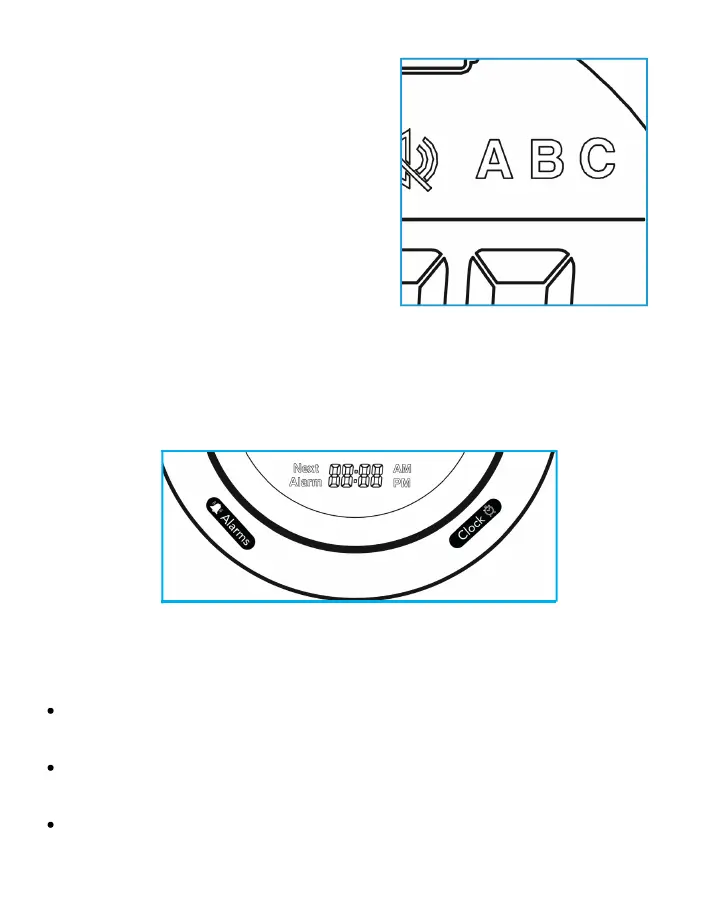
Press and hold the "CLOCK" and "ALARM" buttons simultaneously for
five (5) seconds to clear and reset all settings.
NOTE: All alarms will continue their
patterned beeping for 30 minutes
before stopping. Also, all alarms
will sound with the same alarm,
until it is manually changed to a
different tone.
Reset Factory Settings
12
Care and Maintenance
Wipe the exterior with a soft, damp cloth. Do not use harsh
chemicals.
If needed, remove the internal pill container and gently
rinse/wipe the individual pill compartments.
Allow the container to dry fully before replacing or refilling it.


 To Next Page