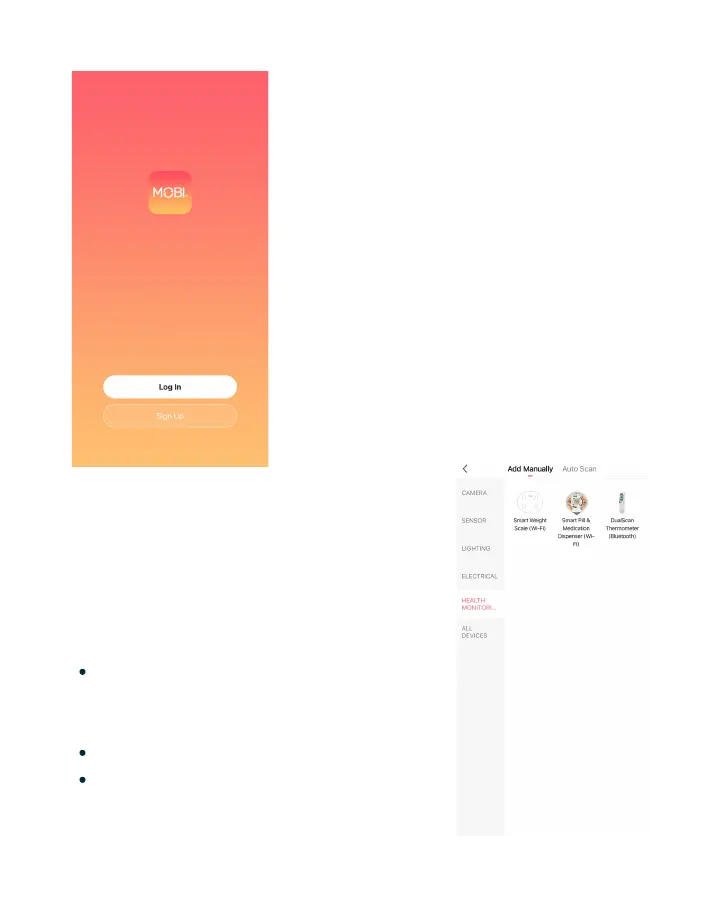
Register
Open the MOBI Smart App &
tap "Register."
Agree to the Privacy Policy
terms & conditions.
Enter a valid email address &
verify.
Create a password and login
If you are a first time MOBI Smart
user, please create an account.
1.
2.
3.
4.
Add Device
Tap "Add Device" or tap on the
"+" icon on the top right hand
corner.
Tap on "Health Monitoring"
Select the Smart Pill &
Medication Dispenser
Once you've accessed your MOBI
Smart account move to the main
Device tab.
16


 To Next Page