FR34, FR40 AC/DC Function description
9
5.2 Operating and display elements
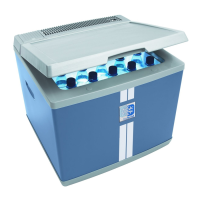
Latch for lid: fig. 1 1, page 2
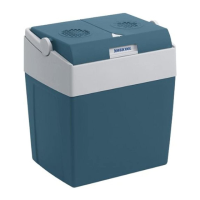
Operating panel (fig. 2, page 2)
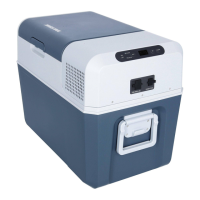
Connectors (fig. 3, page 2)
Item Description Explanation
1ON
OFF
Switches the cooling device on or off when the
button is pressed for between one and two seconds
2 POWER Status indication
LED lights up green: Compressor is on
LED lights up orange: Compressor is off
LED flashes orange: Display switched off auto-
matically due to low
battery voltage
3 ERROR LED flashes red: Cooling device is
switched on but not ready
for operation
4 SET Selects the input mode
– Temperature setting
– Celsius or Fahrenheit display
– Set battery monitor
5 – Display, shows the information
6 “+” Press once to increase the value
7 “–” Press once to decrease the value
Item Description
1 AC socket
2 Fuse holder
3 Cover AC socket
4 Cover DC socket
5 DC socket


 To Next Page
 Loading...