HOW DOES MOBILEYE PCW WORK?
Mobileye PCW alerts you to a possible collision with a pedestrian ahead of you.
WHEN IS MOBILEYE PCW OPERATIONAL?
Daytime: Mobileye PCW is operational from a speed of 1 km/h
(0.621 mph) to a speed of 50 km/h (31 mph). Night-time: Not operational.
MOBILEYE PCW AUDIO ALERT
A series of loud, high-pitched sounds.
MOBILEYE PCW VISUAL ALERT
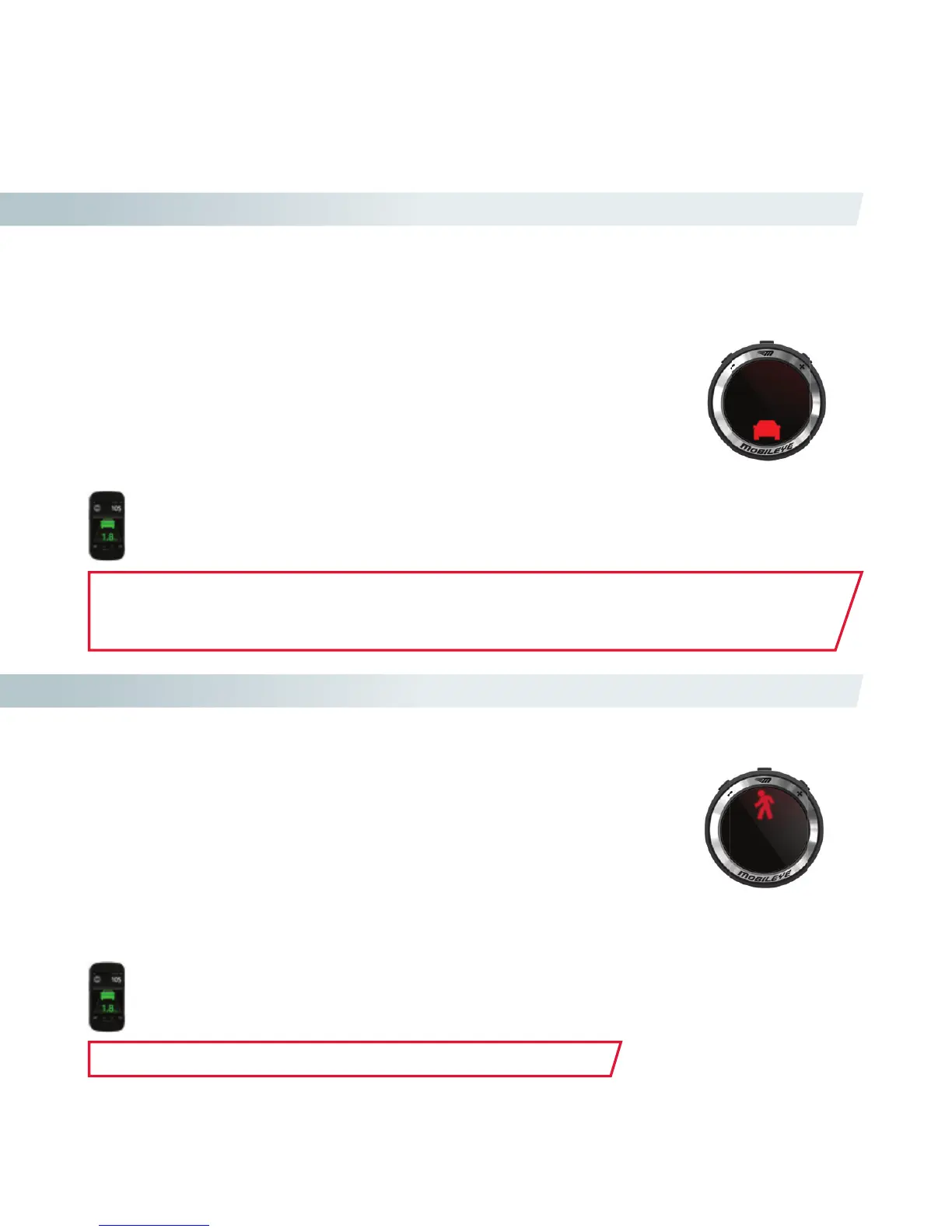
A red, ashing pedestrian icon shown on the EyeWatch Display. A red pedestrian icon ashing with
no audio alert indicates that there is a pedestrian in the vehicle's danger zone.
Mobile
e Pedestrian Collision Warning (PCW)
HOW DOES MOBILEYE UFCW WORK?
Mobileye UFCW alerts you before a possible low speed collision with the vehicle ahead of you.
Mobileye UFCW may also act as a “virtual bumper” (VB) to warn you prior to zero speed collision with
the vehicle in front of you.
WHEN IS MOBILEYE UFCW OPERATIONAL?
Mobileye UFCW is operational from 0 speed to 30 km/h (18.6 mph).
MOBILEYE UFCW AUDIO ALERT
A series of loud, short high-pitched sounds.
MOBILEYE UFCW VISUAL ALERT
A red, ashing car icon shown on the EyeWatch Display.
Mo
ision Warning (UFCW)
The UFCW alert will also be displayed on Mobileye’s 560/550 Smartphone application* .
destrian icon ashing with
The PCW alert will also be displayed on Mobileye’s 560/550 Smartphone application*.
NOTE: Mobileye Forward Collision Warning and Mobileye Urban Forward Collision Warning
cannot be disabled or muted. However, if the system is turned o, NO WARNINGS will be
issued. Virtual Bumper sensitivity can be modied according to driver preference.
NOTE: This feature is available only in certain geographical areas.



 To Next Page