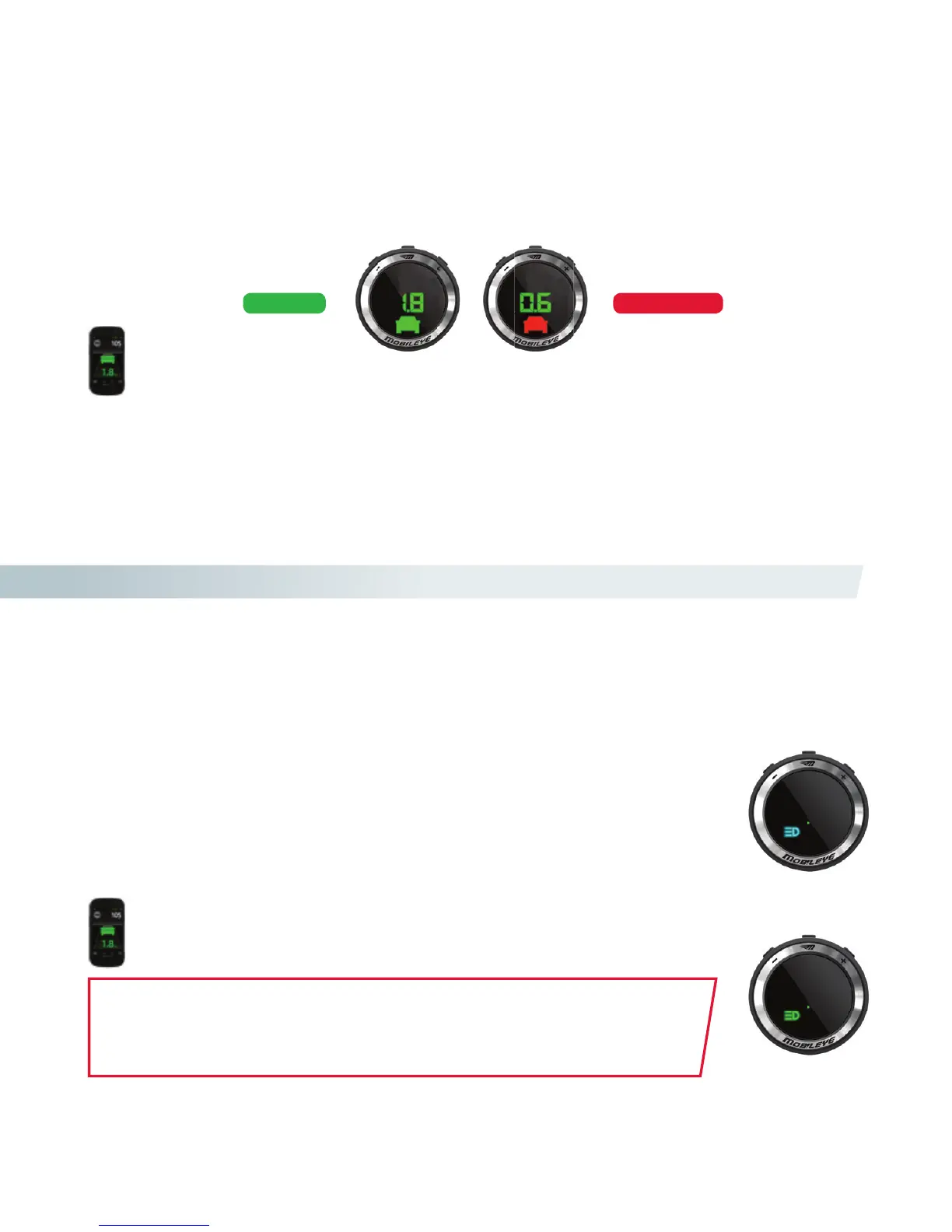
THE DISTANCE METER
The numerical display indicates the distance to the vehicle in front of you in seconds.
VISUAL ALERTS
Mobileye HMW will not issue audio warnings when the system has been muted
WARNING!
• Setting the timing of the headway alert to a low value will activate the alert when vehicles are very close.
• You, the driver, are always solely responsible for maintaining a safe driving distance from vehicles ahead, regardless
of Mobileye 5-Series warnings or lack of them.
Additional Features
HOW DOES MOBILEYE IHC WORK?
Mobileye Intelligent High-Beam Control controls a vehicle’s driving lights by
automatically switching them from low beam to high beam on dark roads without nearby trac.
WHEN IS MOBILEYE IHC FUNCTIONAL?
Mobileye IHC is active at night, on dark roads (with no street lights), without nearby trac.
Mobileye IHC is active at speeds greater than 35 km/h (21 mph).
Mobileye IHC is active only if enabled.
MOBILEYE IHC WILL NOT SWITCH TO HIGH BEAMS WHEN:
Another vehicle’s tail lights are detected in front of your vehicle at a distance of
less than 400 meters.
There is an oncoming vehicle at a distance of less than 800 meters.
Your vehicle enters a well-lit area, or street lights are detected.
Mo
The HMW alert will also be displayed on Mobileye’s 560/550 Smartphone application*.
The IHC icon will also be displayed on Mobileye’s 560/550 Smartphone
application*.
IHC active
IHC enabled
NOTICE WARNING!
IMPORTANT NOTES:
1. Mobileye IHC is available only on selected vehicle models.
2. Mobileye IHC is available only if activated during system installation.
3. Mobileye IHC is available only in certain geographical areas.



 To Next Page