6
HOW DOES THE LDW WORK?
The LDW provides an alert when the vehicle unintentionally departs from the driving lane.
An unintentional departure is dened by departing from the driving lane without using
the turn signals. If the turn signal is used when changing lanes, an alert is not generated.
WHEN IS THE LDW FUNCTIONAL?
The LDW is active at speeds greater than 65 km/h (40 mph).
HOW DOES THE LDW AUDIO ALERT SOUND?
It is a series of short, sharp beeps.
WHICH ICON REPRESENTS LDW VISUAL ALERT?
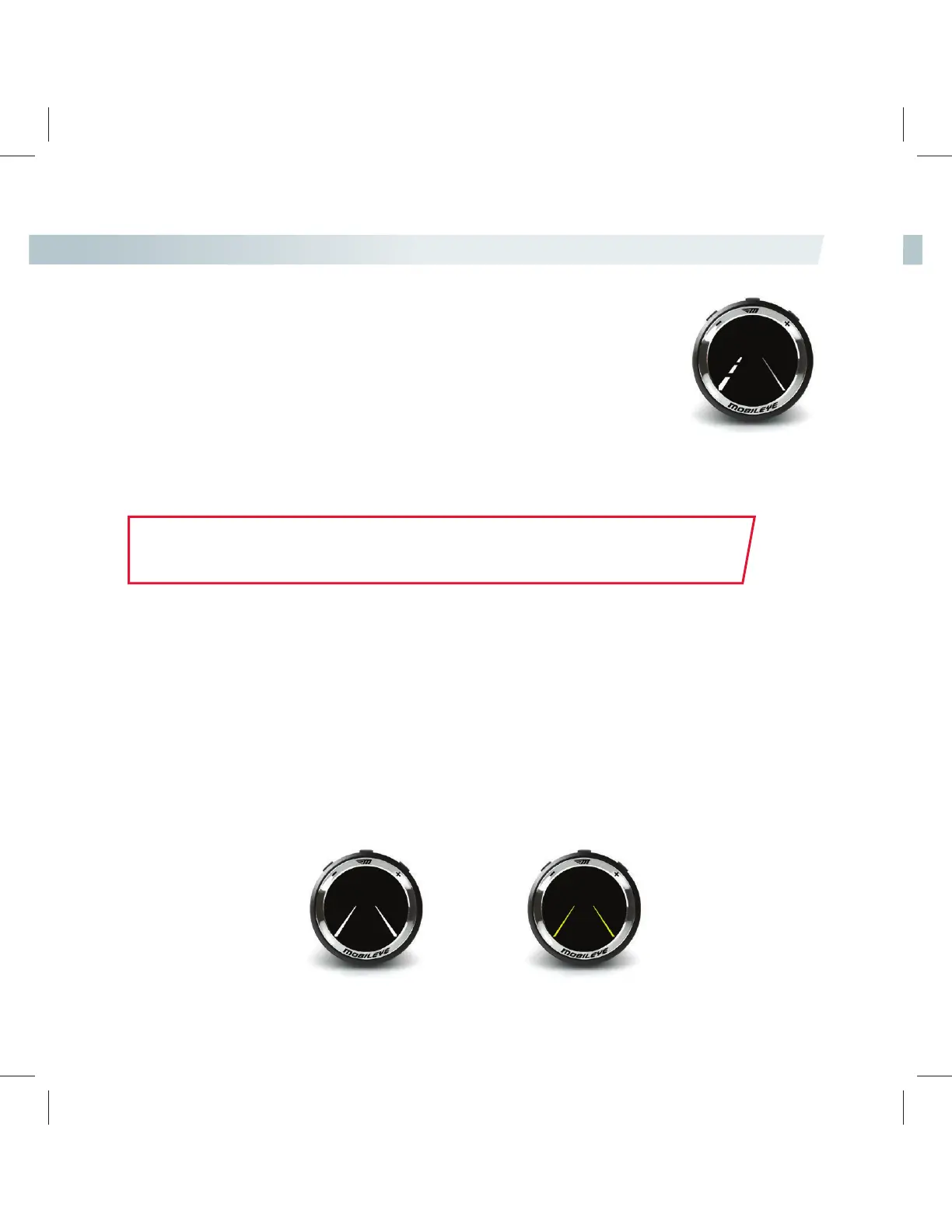
The dashed, white line on the EyeWatch display represents a right or left lane deviation.
LDW HAPTIC ALERT OPTIONAL
A haptic alert will be connected to the steering wheel or to the driver’s seat, depending on installation.
NOTE:
The LDW alert will also be displayed on Mobileye’s 660 smartphone application
(Not iPhone compatible).
THE LDW WILL NOT ISSUE ALERTS WHEN:
• Lanes are unmarked or are poorly marked.
• The speed of the vehicle is less than 65 km/h (40 mph).
• The turn signals are being used.
• The LDW has been disabled by setting the sensitivity level to “0” (LDW OFF).
• A sharp turn is made.
• The system has been muted.
LDW AVAILABILITY
When the LDW is not available for any of the reasons mentioned above, the yellow lane icon will be displayed
on the EyeWatch.
When the LDW is available, the white lane icon will be displayed..
LDW availability is separate for right and left lanes.
LDW available LDW unavailable



 To Next Page