Note: This guide does not replace the user manuals.Page 2-16
RAISE AIRO
• Disconnect all power and network cables.
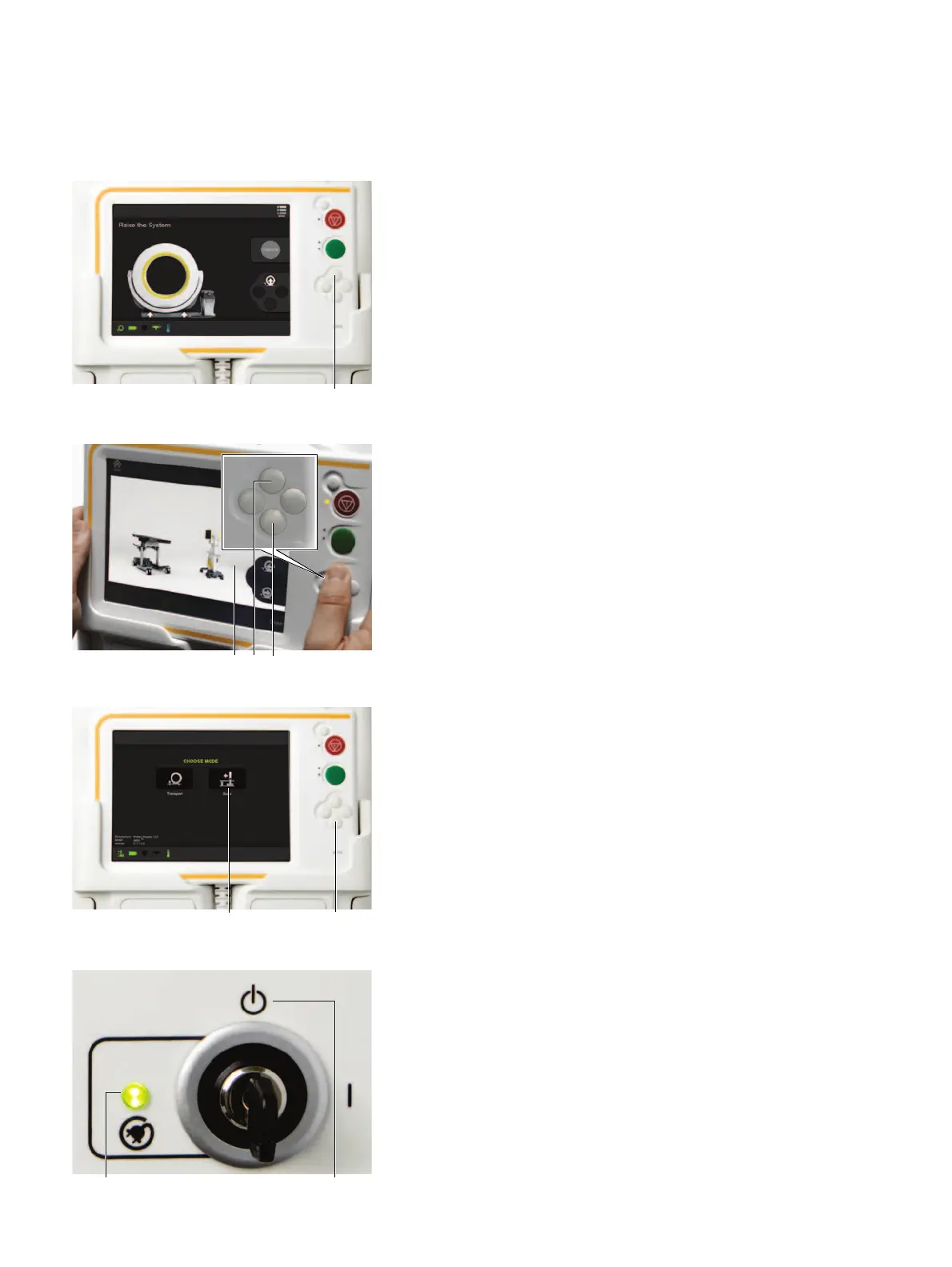
•Raise
Airo
onto its wheels by pressing
Up
a on the
pendant until the front facing camera window is
visible.
NOTE: If the camera view is not visible, check that
all power and network cables are disconnected.
MOVE AIRO
• Look at the pendant screen a to view the area in
front of
Airo
.
• Push the forward s and reverse d buttons as
applicable, to engage the drive mechanism.
• Push on the left and right side-handles to turn
Airo
.
NOTE:
Airo
weighs 975 Kg (2150 lbs). Collision can
cause injury to people or damage to objects.
NOTE: Inclines must not exceed 5° and thresholds
cannot exceed 9.5 mm (3/8 inch).
PARK IN THE
OR
• Select
Scan
a from the
Choose Mode
screen.
•Press the
Down
s button on the pendant to lower
the base into position on the floor.
• Plug in power and network cables.
NOTE: Ensure there are no objects underneath
Airo
before it is lowered (e.g., power cables or feet).
NOTE: Park on level surfaces only.
PARK IN STORAGE AREA (IF APPLICABLE)
NOTE: Ensure the area of the parked location is
strong enough to withstand the weight.
• Leave
Airo
parked on its wheels.
• Select
Menu
>
Home
on the pendant.
• Turn the key to
Standby
s.
•Plug
Airo
into a mains power source to keep the
batteries fully charged.
• Check that the power indicator light illuminates
green on the power panel a.


 To Next Page
 Loading...
