11
1. Quick start
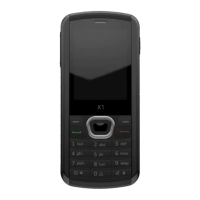
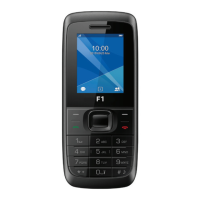
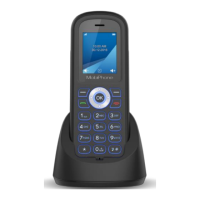
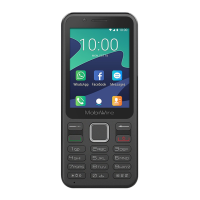
Keypad Explain
In home screen, Long press the key enter
recent app, other screens, back to home
screen.
Answer the incoming call, and in the home
screen, press the key enter the call history
direct.
Reject the incoming call, and in the home
screen, short press screen off, long press to
power off.
Up/Down/Left/Right move the high light
Confirm the select to enter function
Input the corresponding character
Short press to switch input method, long
press to switch language
Short press delete, long press output "#"


 To Next Page