50 51
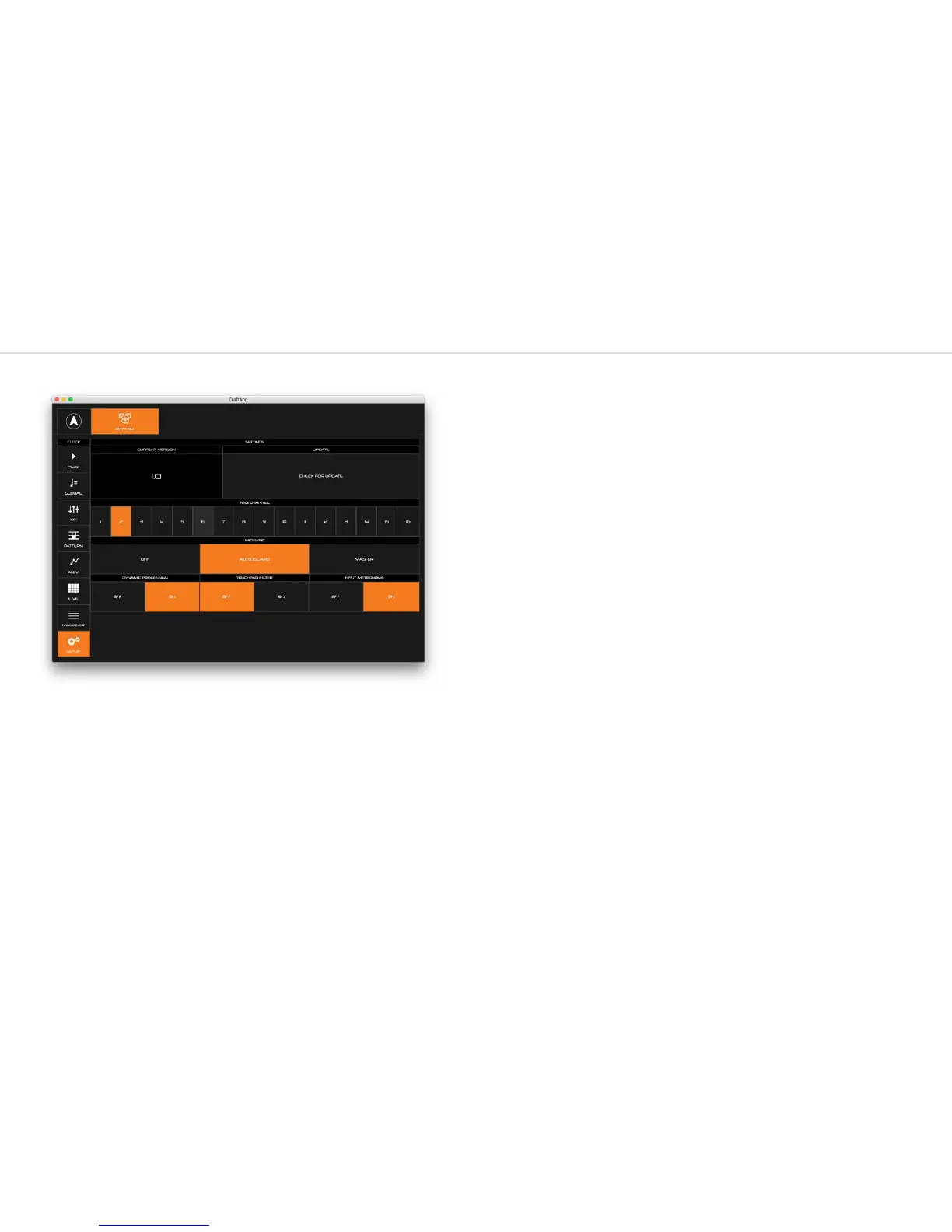
Settings Page
Firmware version
Keep an eye out for this notification on the SETUP button.
It informs you that there is a new update available for you CRAFTrhythm! You can manually
check for updates by clicking the ‘CHECK FOR UPDATE’ button on the Setup page.
If an update is available, follow the on-screen instructions to update your CRAFTrhythm to the
latest version.
MIDI Channel
Here you can select the MIDI channel that CRAFTrhythm is set to. CRAFTrhythm will now only
send and receive MIDI on this channel.
MIDI Sync
This options how the CRAFTrhythm reacts to MIDI clock:
OFF - internal clock only and ignores external
AUTO (SLAVE) - internal clock unless an external clock is detected
MASTER - internal clock and sends clock out
Dynamic Processing
There is a compressor/limiter on the output of CRAFTrhythm to boost the output signal. If you
are experiencing distortion please disable this function.
Touchpad Filter
This option enables filtering on the touch pads. If you are experiencing issues with the touch
pads retriggering then please enable this function.
Input Metronome
This option enables/disable the metronome that is active when holding down the “PLAY/
INPUT” touch pad.



 To Next Page