15
www.modecom.eu
• Capture/Start Capture: save the capture le in your com-
puter and select „START” and then „OK” to start a capture of
video sequence or choose „Cancel” to cancel the capture.
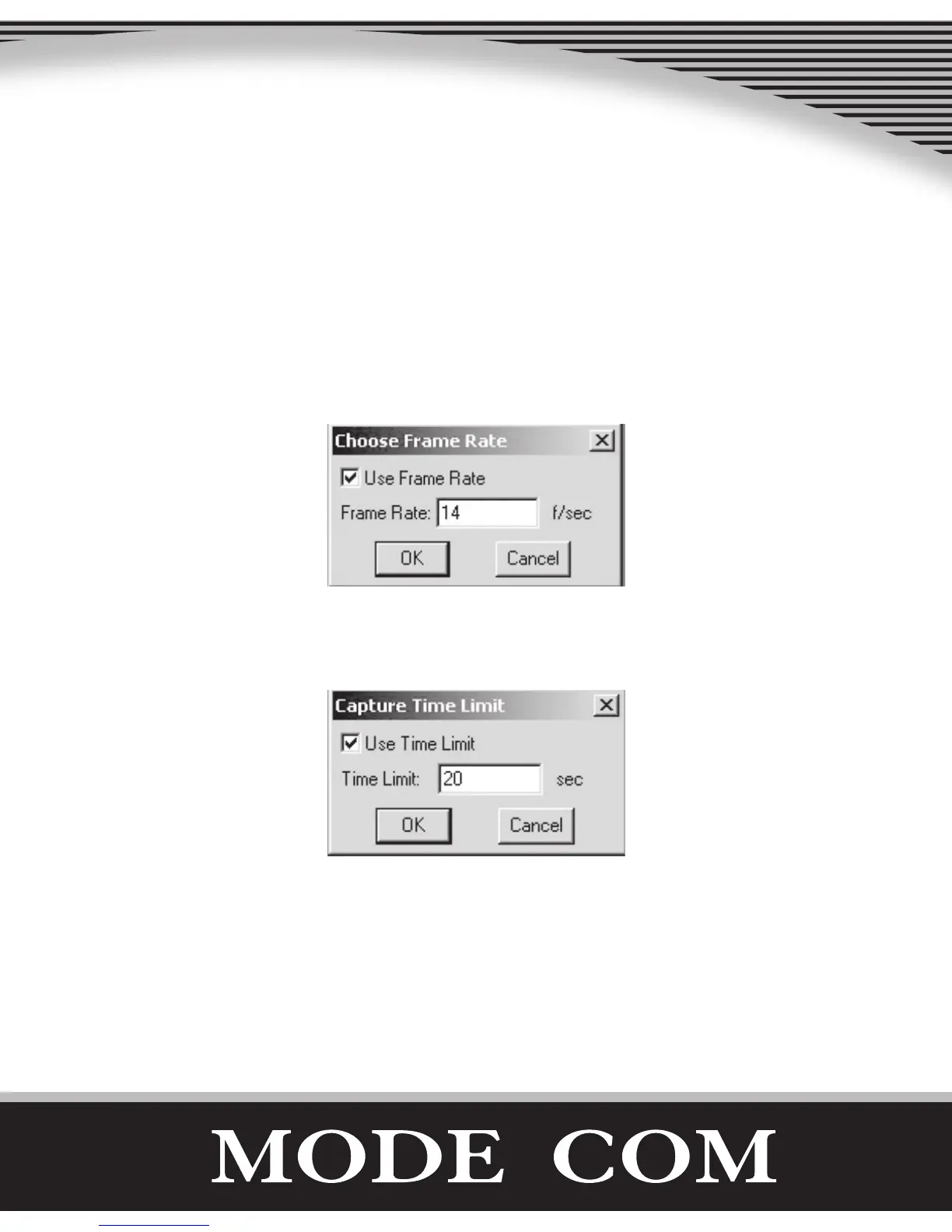
• Capture/Set Frame Rate: where you can set the frame rate
you want for preview and video.
• Capture/Set Time Limit: where you can set the time limit
for video.
Uninstall the Software:
1. Click „Start” from the task bar and choose „Programs”
2. Select USB PC Camera--> „Uninstall” and follow the in-
structions.



 To Next Page