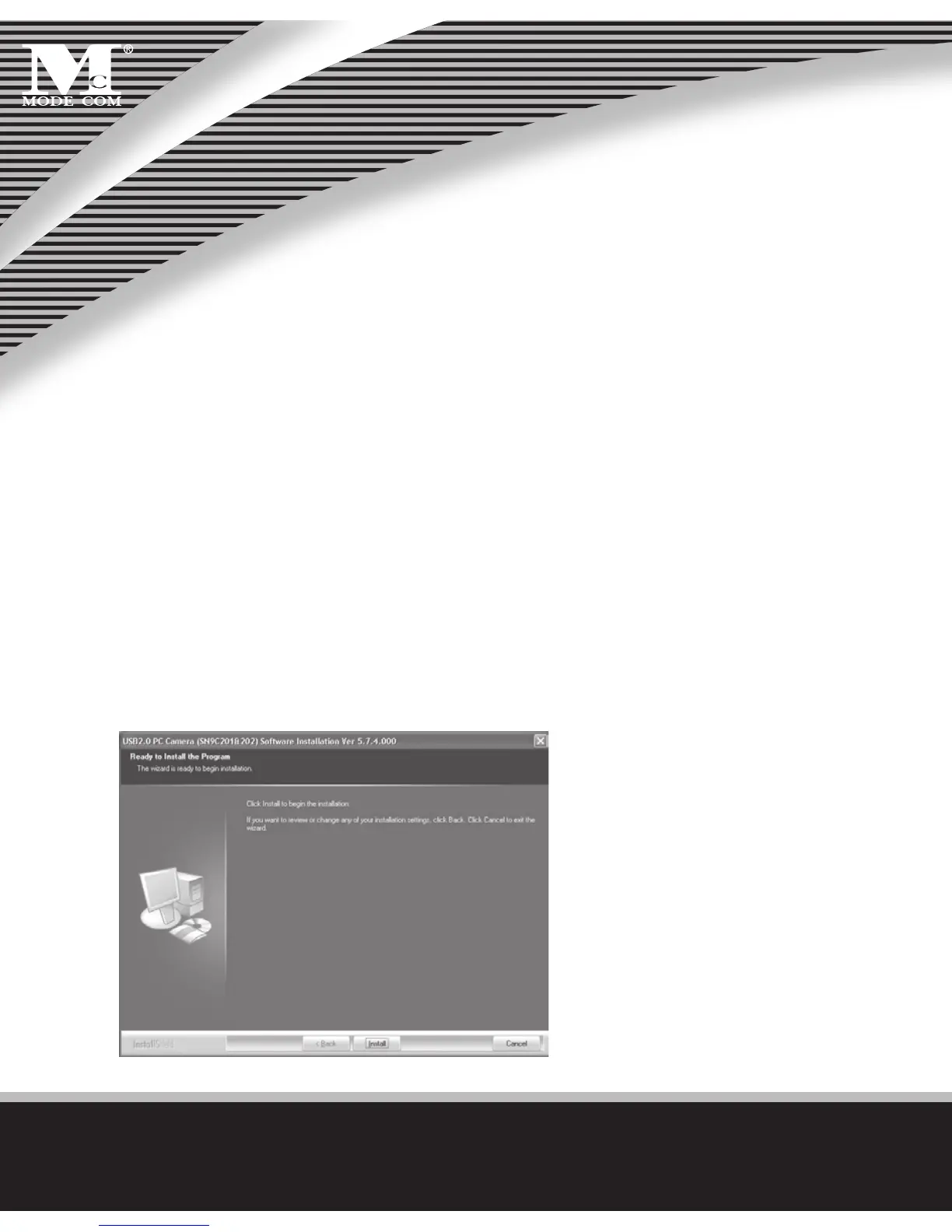
Install the Software
Install the software FIRST and follow the on-screen instruc-
tion.
Attention: Please install the driver before the Web Cam
installation.
The Steps of Installation:
Steps 1: Please install the driver rst.
Steps 2: Please install the Web Cam after nishing the in-
stallation of driver successfully.
1. Click „Install” to begin the installation



 To Next Page