7
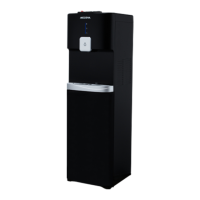
DD 68 W
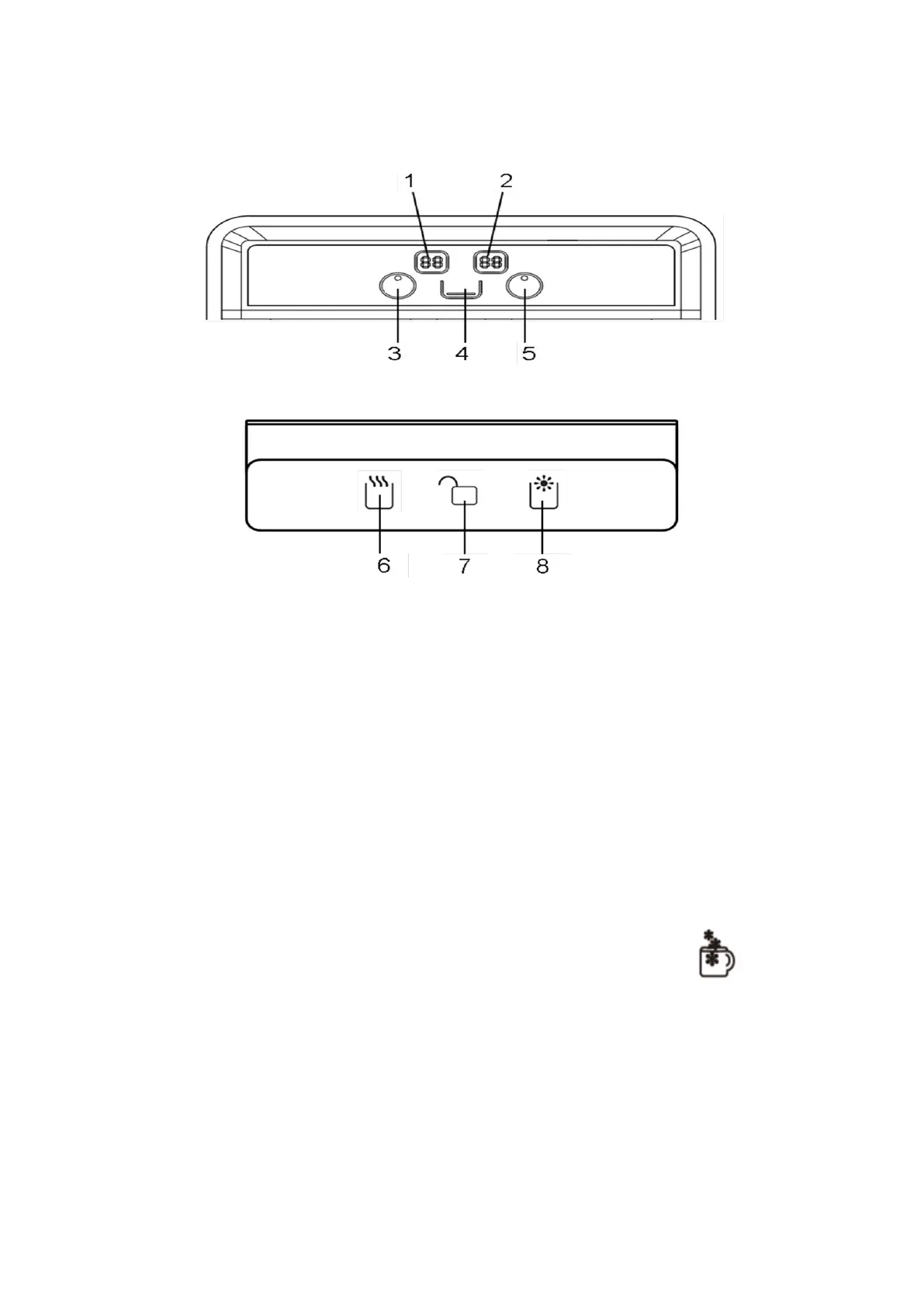
Front view
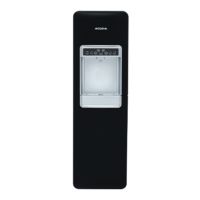
Top view
* Features depend on the type of product.
1. Hot Water Temperature Digital Display
2. Cold Water Temperature Digital Display
3. Hot Water Indicator
4. Water Level Indicator
5. Cold Water Indicator
6. Hot Water Button
7. Child Lock
8. Cold Water Button
How to use the dispenser on DD 68 L
- Using the cold water
Connect the power cord to the power source. The appliance will begin the cooling process until the
temperature reaches 5 ℃ seen on the display. The appliance will automatically continue the cooling
process if the temperature reaches 10 ℃ seen on the display. Cold water temperature can be set to
5 ℃, 8 ℃ and 12 ℃. Press the cold water button set until desired temperature is seen on the
display. Wait for several seconds until the display blinks 5 times. Press the button to
dispense the cold water.
- Using the hot water
To use the hot water, press the hot water set button and the indicator light will be on. The
temperature of hot water will start until reached the factory setting temperature of 90 °C. When the
temperature of the hot water decreases, the appliance will automatically raise or stabilize the
temperature until it reaches the factory setting. Hot water temperature can be set to 70 ℃, 80 ℃ and
90 ℃. Press the hot water set button until desired temperature is seen on the display. Wait for
several seconds until the display blinks 5 times. To rise the hot water temperature quickly, press the
reheating button. The temperature of the appliance will rise rapidly until 95 °C. Press and hold the


 To Next Page