5
Installation Instructions
1. Ensure the power at the circuit breaker is switched off before commencing the
wiring process.
2. Verify the presence of a Neutral Wire in the wall box. If absent, consider selecting
an alternate location within your home. Alternatively, seek the assistance of a
professional electrician for proper installation.
3. Please note that wire colors specified in this manual are typical and may vary in
certain households.
4. Securely fasten wire conductors to each corresponding wire.
5. Prior to wiring, confirm a stable Wi-Fi signal and ensure normal operation. Ensure
that your mobile device and Zigbee gateway hub are connected to the same 2.4
GHz Wi-Fi network.
6. If you lack experience in wiring, it is recommended to consult a professional
electrician for assistance.
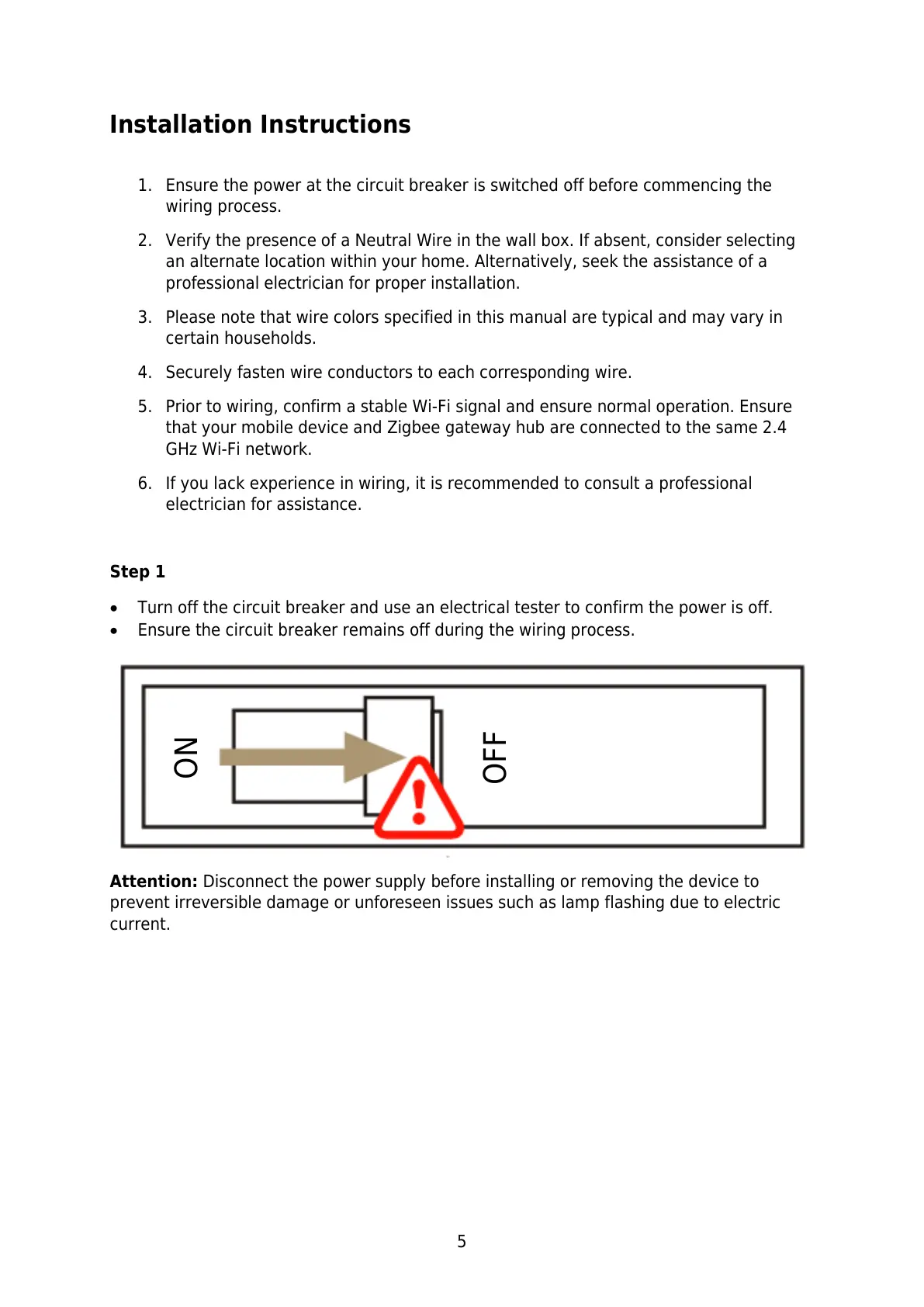
Step 1
Turn off the circuit breaker and use an electrical tester to confirm the power is off.
Ensure the circuit breaker remains off during the wiring process.
Attention: Disconnect the power supply before installing or removing the device to
prevent irreversible damage or unforeseen issues such as lamp flashing due to electric
current.



 To Next Page