7
Connecting the Remote
Filming with Remote and Switch Mode
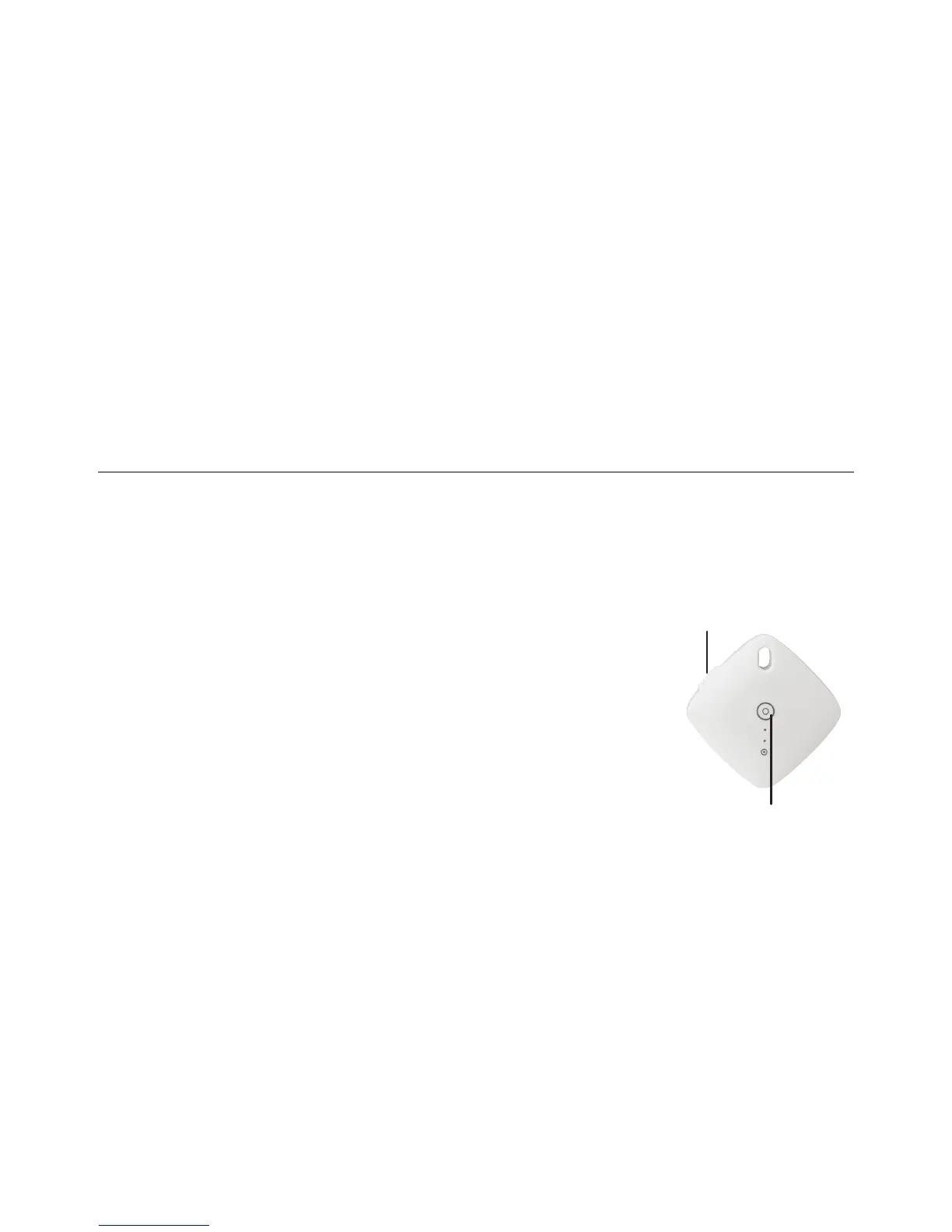
Bluetooth Remote
Pair the camera and remote when you use the remote for the first time. Turn on the switch of remote,click the M
button and enter the setting menu, then enter “Bluetooth Pair” in the menu,the camera will search and pair the
remote automatically. The LCD will show “Bluetooth Pairing”. The remote will be connected automatically next time
after the pairing.
(The light will flash red when the Remote is turned on or the Pairing succeed. If the Remote is
disconnected, the light will also flash red for once when you click the button. When the Remote
is connected, the light will flash blue on all the operation.)
Press and hold the Shutter Button to switch the mode
Photo/Video:Under photo mode, click once to take a photo. Under video mode,
click the remote to start video film, click again to stop filming.
Shutter Button
Power


 To Next Page