How do I answer an incoming call?
How to I pause music?
Can I pair one earbud only to my device?
Double tap the Smart Touch Area on the earbuds. To hang up, double tap the area again. This
works on both earbuds.
Double tap the Smart Touch Area on the earbuds. To resume playing music, double tap the area
again. This works on both earbuds.
Yes you can. Simply remove one earbud from the ChargeDock, and follow the instructions on
pairing to a Bluetooth enabled device.
Yes, and most silicone buds made for earphones will fit the MokiPods.
Can the silicone buds be replaced?
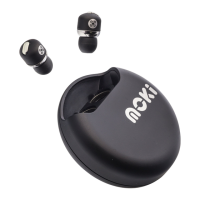
MokiPods Earbuds
Only one of my Earbuds is working.
Place both earbuds in the ChargeDock. Make sure they are both charged (see above). Remove
both earbuds and make sure they both blink blue, indicating they are searching for each other.
When they are successfully paired, they will enter Bluetooth pairing mode and look for a device.


 To Next Page