4 5
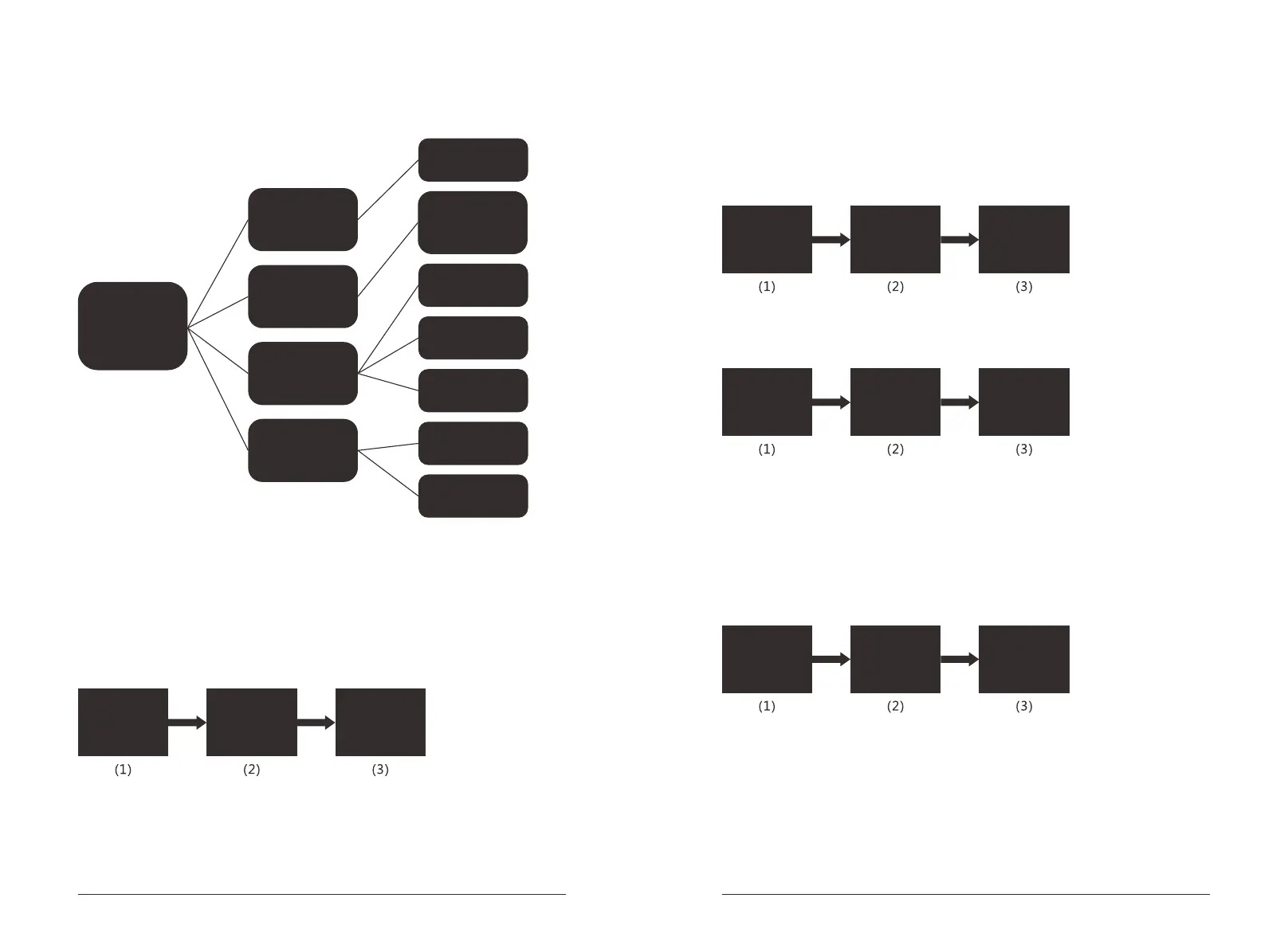
4.4.below is the details of Functions Manu in different directories.
4.5.Admin information setting.
Admin information setting is to add new Admin information, to revise Admin
information and to delete Admin information. Admin information could be a
fingerprint or a group of password.
Add new Admin information according to the instructions on screen.
1. Admin Setting
2. User Setting
3. System Setting
4. Data & Records
1. Add Admin
2. Modify Admin
3. Del Admin
1. Add User
2. Modify User
3. Del User
1. Set Datetime
2. Passage Mode
3. Language
1. Unlock records
2. Storage info.
Enter Del I D
001~009
1. Delete by ID
2. Delete by type
3. Delete all
1. Single mode
2. Double mode
1. Enable
2. Disable
1. Chinese
2. English
1. Quick Query
2. Query by time
1. Admins’ info.
Users’ info
Remarks: Input the serial number and "#" before inputting new fingerprint or new
password. Digits of passoword should be 6-10 numbers, repeatedly adding the
same information is not allowed.
Revise Admin information according to the instructions on screen.
Delete Admin information according to the instructions on screen.
1. Admin Setting
2. User Setting
3. System Setting
4. Data & Records
1. Add Admin
2. Modify Admin
3. Del Admin
Enter Add ID
001
001~009
Press 1 Press 1
1. Admin Setting
2. User Setting
3. System Setting
4. Data & Records
1. Add Admin
2. Modify Admin
3. Del Admin
Enter Modify ID
001
001~009
1. Admin Setting
2. User Setting
3. System Setting
4. Data & Records
1. Add Admin
2. Modify Admin
3. Del Admin
Enter Del ID
001~009
Press 1 Press 2
Press 1
Press 3
4.6.User information
User information setting is to add new User information, revise User information
or delete User information. User information could be a fingerprint, a group of
password or a card.
Add new User information according to the instructions on screen.
1. Admin Setting
2. User Setting
3. System Setting
4. Data & Records
1. Add User
2. Modify User
3. Del User
Enter Add ID
010
010~300
Press 2 Press 1


 To Next Page
 Loading...