4.8.Data statistics and records
Data statistics and records contains records querying and store records statistic.
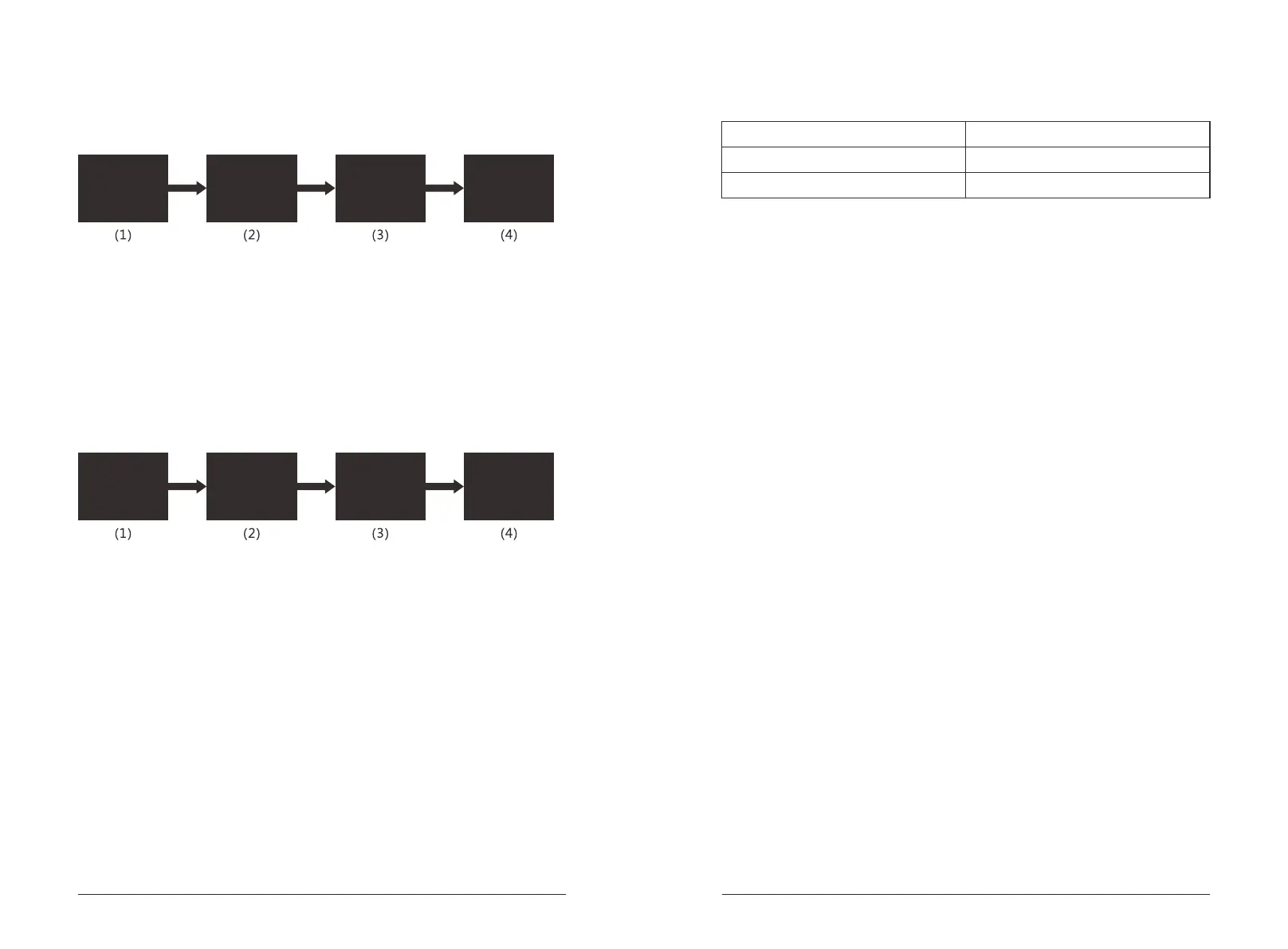
Query unlock records according to the instructions on screen.
Remarks: Maximum 256pcs records. Serie number from 001 to 256. Extra records
will cover the old records from 010 to 256. "4" will be regarded as "back" while "6"
will be regarded as "Next".
To review the last unlock record via series query.
To review the last unlock record of the very day via time query.
Data & Records
Query the data & records according to the instructions on screen.
4.9.Factory reset
Long press the reset button for 5s to do the factory reset. All unlock records and
data will be clear after factory reset successfully. Initial Admin password is
"000000" and initial User password is "123456".
4.10.Others
@ The screen will be locked for 1min when inputing invalid passwords for 5times.
@ Anti-peep Function: Input the passwords like XXX+valid passwords+XXX,
namely add messy codes before or after the passwords and press "#" to unlock
the lock. Passwords should be within the last 24 numbers uninterruptedly.
@ System will logn out when no operation over 10s.
@ The lock will alarm during unlock everytime when the voltage is lower than
4.8V. The lock could be unlocked for extra 200 times after the 1st alarm.
1. Admin Setting
2. User Setting
3. System Setting
4. Data & Records
1. Unlock records
2. Storage info.
1. Quick Query
2. Query by time
Record – 011
ID: 010
Fingerprint
2015-09-17 14:28
1. Admin Setting
2. User Setting
3. System Setting
4. Data & Records
1. Unlock records
2. Storage info.
1. Admins’ info.
2. Users’ info.
FP:001 Card: 000
PW: 000
Total: 001
Remain: 008
4.11. Sound Indicates
Press 1 Press 1
Press 4
Press 2 Press 1
Press 4
8 9
Long beep for one time
Operation success
Short beep for three times
Operation fail
Alarm whistle
Low voltage/Illegal operation


 To Previous Page
 Loading...