7
PAIRING INSTRUCTIONS
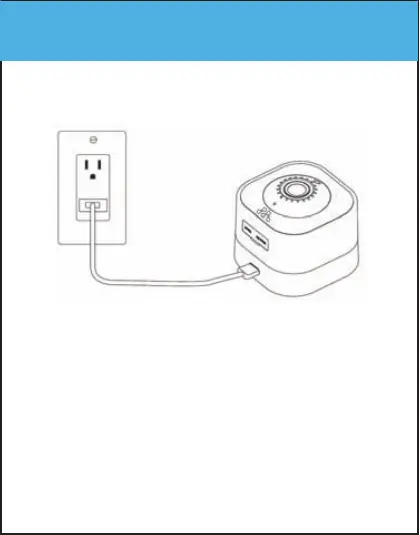
Step 1 - Power the Camera
• Connect the power adapter and power cable
to the camera’s power port.
• Plug the power adapter into a wall socket.
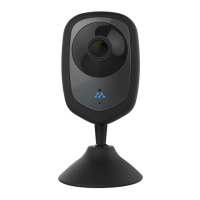
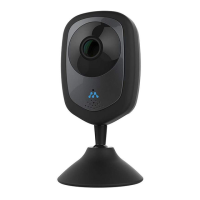
• You should now see the LED indicator in the
front of the camera light up.
• Wait for the camera to say “The camera is
ready to be paired.”


 To Next Page