190 • SECTION 5 — EQUIPMENT DYNASTY 2006
RECEIVER-MONITOR (Optional)
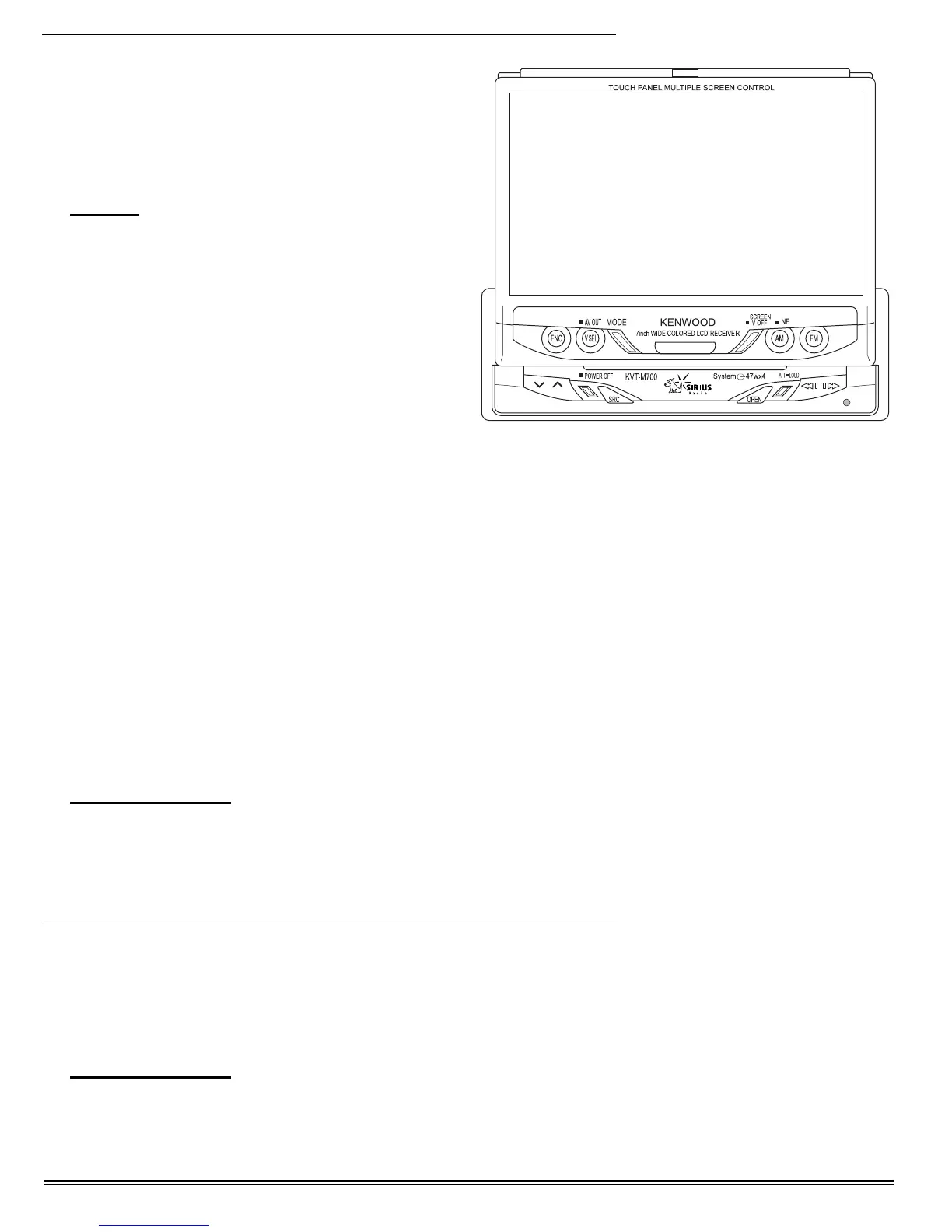
This system uses an in-dash, 7” color video
monitor and a Sirius® Satellite Radio Ready AM/
FM receiver. The 7” video monitor will display
the navigation and radio system information.
NOTE:
The radio systems operate with the
radio remote control or from the radio
touch screen labels.
Power Requirements:
• Main battery disconnect switch (located in the
battery compartment) must be on.
• Turn on the interior house power using the
battery cut-off switch.
To View:
• Press the OPEN button.
• The steering wheel may interfere with the monitor while opening. If this occurs, move the steering column
(ensure this can be performed safely) before operating the set. The monitor will automatically retract if it
cannot open due to an obstacle.
• The monitor position is adjustable. Refer to the angle control screen of the Kenwood Monitor-Receiver
instruction manual.
Closing the Monitor:
• Press the OPEN button again to close the monitor
Power Controls:
• Press the SRC button for at least one second to turn the monitor on.
• Press the SRC button again to turn the monitor off.
INFORMATION:
For more detailed instructions on the monitor or receiver, refer to the Kenwood Monitor-
Receiver instruction manual.
GPS NAVIGATION (Optional)
The GPS Mobile Navigation system provides 2-D and 3-D map views, instant re-routing and voice prompted
turn-by-turn instructions. The system includes a GPS antenna, a DVD ROM player, touch screen monitor and a
single DVD to provide maps for the entire continental US and Canada.
INFORMATION:
Complete information and instruction are found in the OEM instruction manual.
031050e




 To Next Page