EasyManua.ls Logo

Moneual ME485 - User Manual

Moneual ME485
22 pages
Print Icon
To Next Page IconTo Next Page
Loading...
ENG
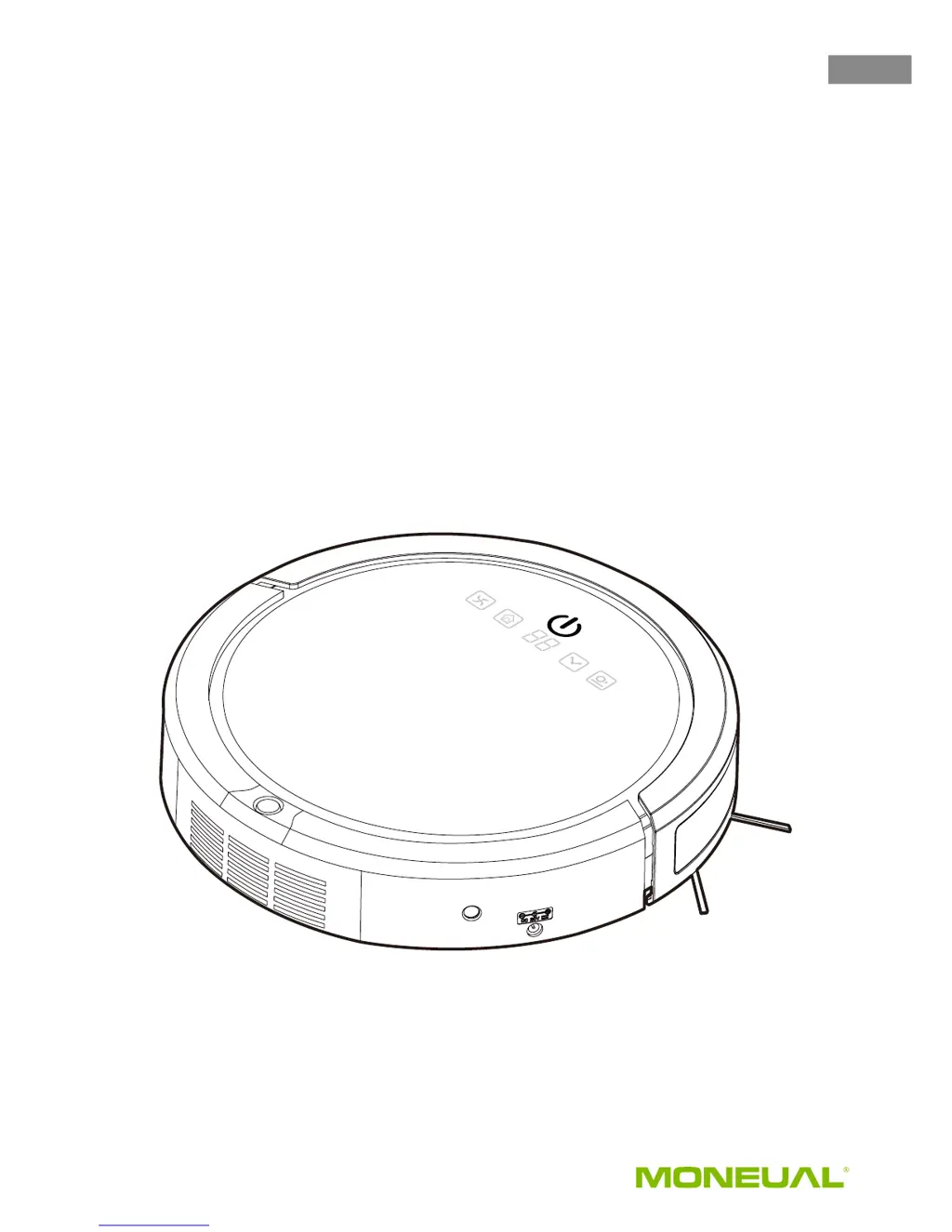
ME485
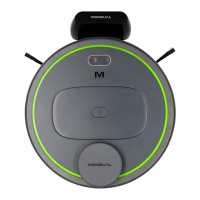
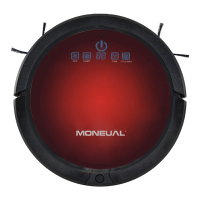
Robot Vacuum Cleaner
with self-charging home dock
USER MANUAL
Please read this user manual before using this robotic
vacuum cleaner and keep it safe for future reference.

Questions and Answers

  • M
    michael72Aug 8, 2025
    What to do if my Moneual Vacuum Cleaner robot fails to return to the dock?
    • A
      andrew22Aug 9, 2025
      If your Moneual Vacuum Cleaner robot fails to return to the dock, ensure the dock is in a suitable location with enough free space. Also, clear any obstacles between the dock and the robot. Inspect and clean the robot's wheels.
  • J
    Jose OchoaAug 13, 2025
    Why my Moneual Vacuum Cleaner does not charge?
    • H
      halljesseAug 13, 2025
      If your Moneual Vacuum Cleaner does not charge, make sure the AC power cord is securely plugged into the dock. Ensure the robot is correctly placed on the dock. If the battery is overheating, allow it to cool down by recharging it for at least 60 minutes.
  • L
    Leah ShawAug 19, 2025
    How to fix Moneual ME485 Vacuum Cleaner when main brush or side brush do not work?
    • C
      Colin NguyenAug 19, 2025
      If the main brush or side brush of your Moneual Vacuum Cleaner isn't working, it's likely that the brushes are stuck due to debris or hair. Clean the brushes to resolve this issue.
  • D
    Dr. David LoveAug 25, 2025
    What to do if my Moneual Vacuum Cleaner does not start cleaning after it is fully recharged?
    • X
      xhallAug 25, 2025
      If your Moneual Vacuum Cleaner isn't starting after being fully recharged, check the schedule settings and reset the “Auto” function. If the battery is overheating, allow it to cool down by recharging it for at least 60 minutes.
  • M
    margaretclarkAug 29, 2025
    Why does my Moneual ME485 keep moving backward or turning around?
    • J
      James BergAug 29, 2025
      If your Moneual Vacuum Cleaner keeps moving backward or turning around, the cliff sensors might be blocked or covered in dust. Wipe all sensors with a dry, clean cloth.
  • D
    Denise SalazarSep 2, 2025
    How to fix Moneual Vacuum Cleaner remote control malfunction?
    • A
      allisondanielSep 2, 2025
      If your Moneual Vacuum Cleaner remote control isn't working, remove the transparent film. Check the battery installation or replace the battery.

Summary

Robot Vacuum Cleaner Features

Critical Safety Instructions

Essential safety warnings and precautions for operating the robot.

Safety Precautions and Usage Guidelines

Battery Management: Installation and Removal

Charging Procedures and Battery Care

Control Panel Functionality

Scheduling Robot Cleaning Cycles

Auto Start and General Maintenance

Component Maintenance: Brushes, Wheels, and Sensors

Robot Troubleshooting: Problems and Causes

Robot Troubleshooting: Solutions and Fixes

Provides practical solutions for common robot malfunctions and errors.

Error Code Resolution and Specifications

Limited Product Warranty Details

Warranty Terms, Exclusions, and Non-Claims

Moneual ME485 Specifications

General IconGeneral
ManufacturerMoneual
ModelME485
Battery Capacity2600 mAh
Weight2.9 kg
Dimensions330 x 330 x 77 mm
TypeRobot Vacuum Cleaner
Battery TypeLithium-ion
Charging Time180 minutes
Dustbin Capacity0.6 L
Cleaning ModesAuto, Spot
Filter TypeHEPA filter

Related product manuals