9. RESTORING DEFAULT PARAMETERS
How to restore default parameters VIDEO
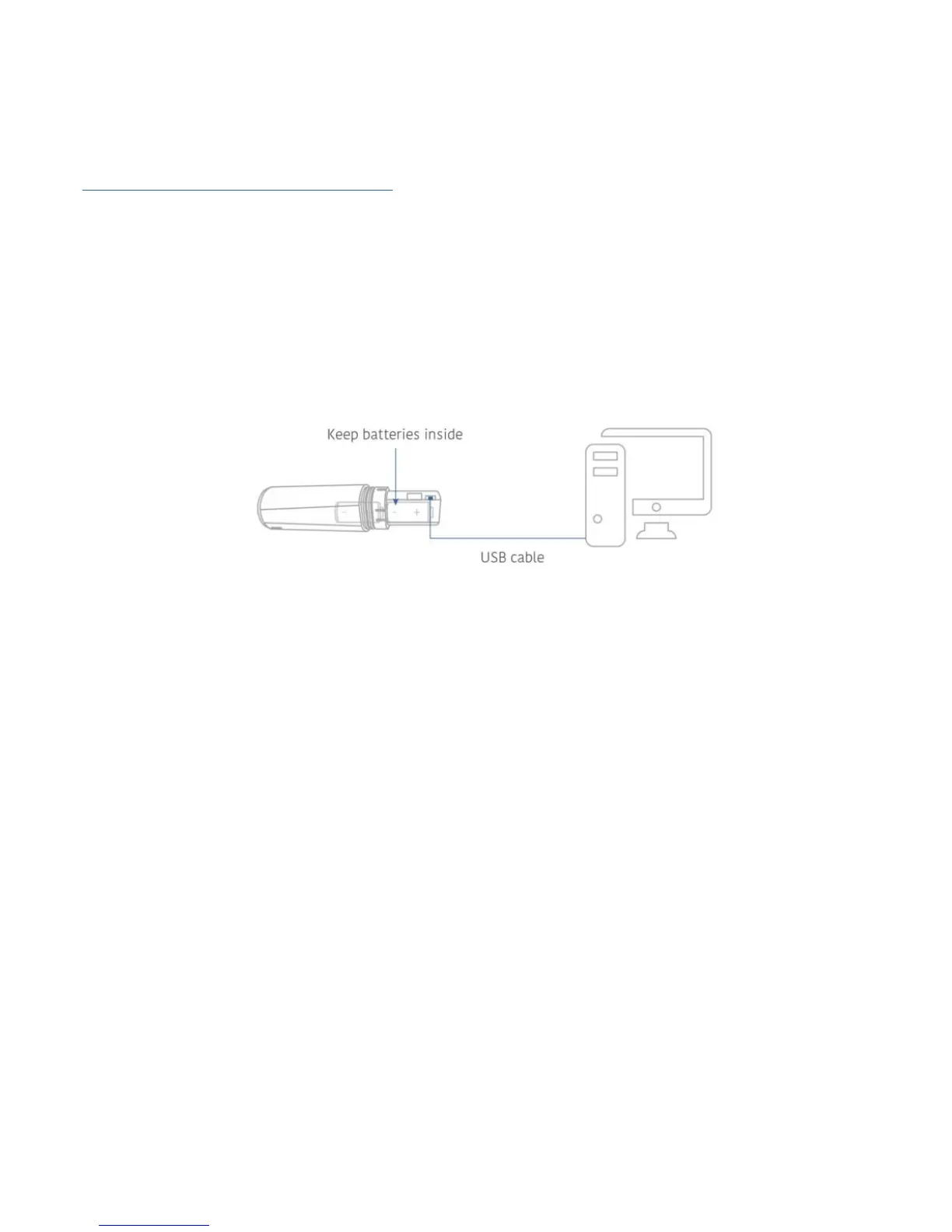
1. Ensure the batteries are inserted into your Monimoto.
2. Connect Monimoto to your computer or phone charger using the micro USB cable.
3. Wait while the red LED flashes repeatedly for at least ~13 times (1 flash per sec.).
4. Unplug the micro USB cable and you should see one long LED flash.
5. Monimoto will restart.
6. Parameters have been successfully restored to default values.
10.LED INDICATIONS
Restoring default parameters, with batteries inserted
and micro USB cable connected


 To Next Page