3.3.EXIT ALARM MODE
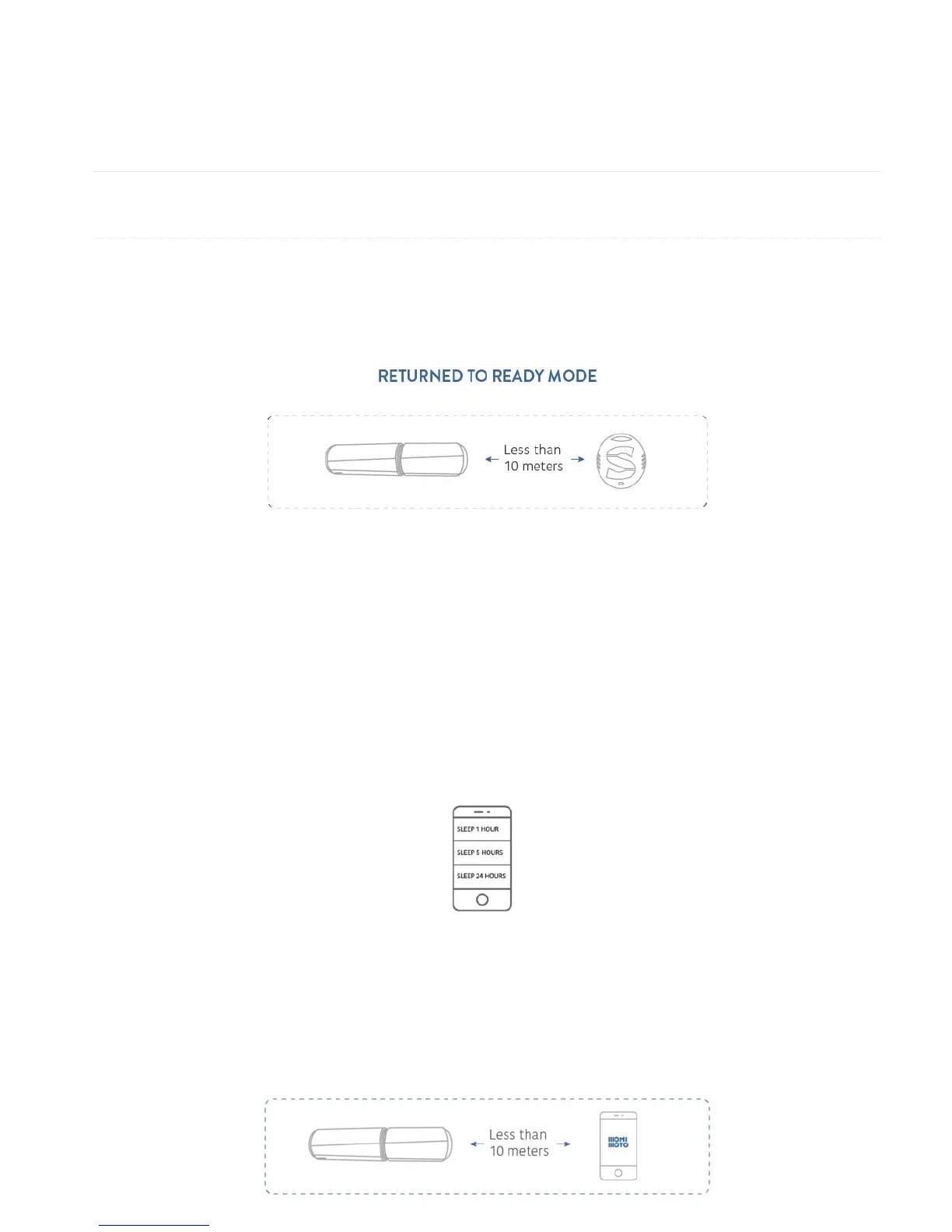
These are the 3 main condition for returning Monimoto back to the Ready mode:
● Exit Alarm with KEY. Once the KEY is detected within the range of Bluetooth signal Monimoto
will automatically return to Ready mode.
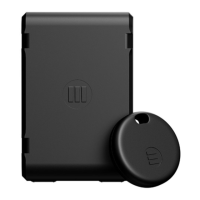
● Send to sleep by app. Sleep mode can be entered from Alarm mode only when the user
manually chooses to sleep the device. User can put Monimoto to sleep remotely for 1, 5 or 24
hours using the app. This action will deactivate Monimoto and you will not be able to bring it
back to Ready mode until the selected sleep period ends. After that it will return to the Ready
mode automatically, no action is required. This can be useful if you’ve gone for a ride but forgot
Monimoto KEY at home and want to stop receiving the alerts and save battery life. Or if you gave
your motorcycle to a friend but.. forgot to give them the KEY.
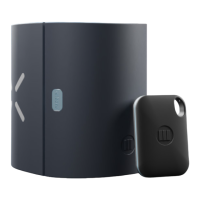
● Deactivate by app. You can turn off the Alarm mode by app only when your phone is within the
range of Bluetooth signal. If you open the app and establish Bluetooth connection with Monimoto
on settings Tab– it goes to Ready mode and the Alarm mode ends.


 To Next Page