Need help?
Do you have a question about the MONODEAL MD-602 and is the answer not in the manual?
Safety guidelines for operating and handling the CD player to prevent hazards.
Safety instructions for the built-in battery to prevent damage or fire.
Guidelines for volume adjustment and listening duration to protect hearing.
Lists all items included in the product package.
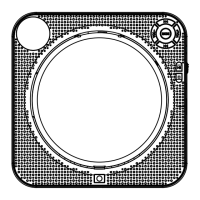
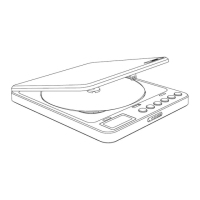
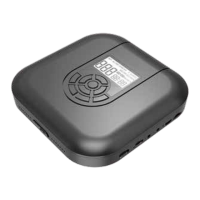
Identifies and describes the components and buttons of the CD player.
Solutions for issues when the player fails to power up.
Troubleshooting steps for when discs cannot be read or recognized.
Solutions for problems related to charging the player's battery.
How to resolve automatic skipping of disc content.
Causes and solutions for unusual audio output like noise or screaming.
Step-by-step instructions for correctly inserting a CD into the player.
Guidance on connecting earphones to the player.
Instructions on how to power on the CD player.
Explains circle modes like Repeat, Random, and Preview play.
Instructions for creating a custom track sequence.
How to set specific start and end points for track repetition.
Adjusting volume and applying EQ effects for audio output.
Steps to pair the player with Bluetooth headphones or speakers.
Information about the screen turning off after inactivity.
How to use the HOLD function to prevent accidental changes.
Instructions for connecting to external devices via AUX cable.

 To Next Page
 General