6
OPERATION
Power On/Off
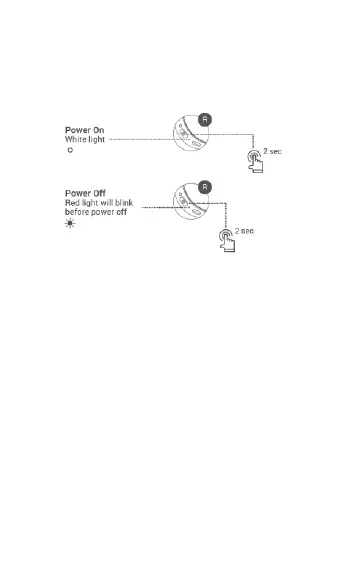
• Press and hold the Power/Bluetooth Button for
2 seconds to turn the headphones on. The
Power On/Off Light Indicator will illuminate
solid white.
• If it is not already paired, the headphones will
enter Bluetooth® pairing mode when first
powered on.
• Press and hold the Power/Bluetooth Button for
2 seconds to turn the headphones off. The
Power On/Off Light Indicator will blink red
until power is off.


 To Next Page