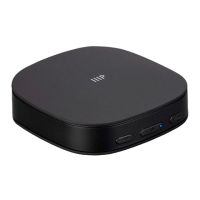
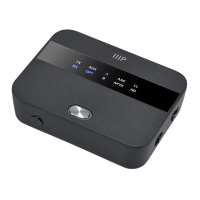
Multifunction Button
(MFB)
TX Mode: Press and hold for 3 seconds.
RX Mode: Press and hold for 2 seconds.
Press and hold for 2 seconds.
RX Mode Only: Momentarily press.
TX Mode Only: With power on or off, press
and hold for 7 seconds to delete all paired
receivers (headphones, speakers, etc.).
With power on, momentarily press to enter
Pairing Mode. The Operating Mode
Indicator flashes rapidly. This is not
functional when a Multipoint Connection is
active.
With power on, press and hold for 7
seconds.
Slide the switch to select RX Mode or TX Mode. When
switching with power on, wait for the Operating Mode and
Audio Mode Indicators to illuminate before switching the
Operating Mode.
Slide the switch to switch between the AUX and Optical inputs.


 To Next Page