31
4. MAINTENANCE AND TROUBLESHOOTING
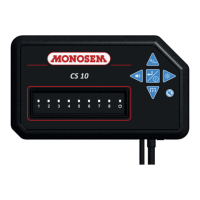
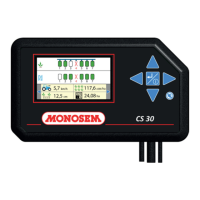
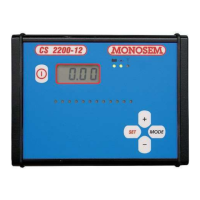
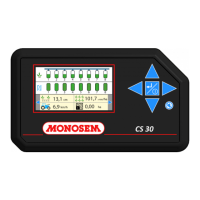
Your sowing control console is mostly an electronic device. Therefore it requires to be cared for. After sowing, store it in dry
premises.
Symptoms Probable cause Solution
switch on. The diodes do
not light up upon power
on.
disconnected
-Battery supplying insufficient
voltage.
-The fuse has blown.
-The console is faulty.
-Check it is connected to the tractor’s 3-pin outlet or the battery
(check that the lugs are clean and crimped properly).
-
Check that the battery voltage ranges between 10 and 15
Volts.
-Check the fuse located
on the console’s supply harness.
Replace it if necessary by a 5 AMPERE fuse. Never fit a fuse
with higher amperage. If the fuse blows again, contact our
after-sales service.
-Call our after-sales service.
during
the initial phase
after power-on.
-Call our after-sales service.
diodes most too the right
buzzer) whereas there is
exceeds the actual numb
rows
-In the menu setting the number of rows, set as many diodes
as there are rows. Disable monitoring for the non-existent
rows.
4. A diode is inoperative
during sowing, it stays
off continuously.
-Monitoring of the cell was
disabled in the menu setting
- In the menu setting the number of rows, enable the diodes
corresponding to the cells to monitor.
5. When sowing all
diodes programmed are
lit red (with alarm
buzzer)
-The alarm threshold value is
too high
-Reduce the value of the alarm threshold
6. A diode remains lit
red during sowing, the
alarm buzzes
continuously while the
seeder element
dispenses the grains
properly.
-The sensor of the sowing
element is faulty.
-
Connection problem between
the sensor and the harness, or
between the harn
console.
-The sensor or electric harness
has intermittent faults.
-Clean the sensor’s photoelectric cells properly with a brush. If
required, use water and a product to remove the film of sowing
treatment product deposited on the photoelectric cells.
-Check that all connectors are connected properly.
-Check that the electric harness is not pinched, worn or torn.
Swap the sensor indicating a fault with that of another row. If
the problem follows, the sensor is the cause of the fault. If the
problem does not follow, the harness or console is the cause
console are lit during the
initialisation phase after
power-on, but no grain is
diode)
-The seeder harness is not
connected properly.
-
The seeder harness is faulty.
(short-circuit)
-A sensor is faulty.
-Check that the connector of the console, seeder and the
connectors of the sensors are connected properly.
-Check that the electric harness is not pinched, worn or torn.
Check that the sensor wires are not pinched, worn or torn.
-Call our after-sales service.
-Call our after-sales service.
CAUTION
Disconnect the console power supply before performing any welding operation on the tractor or the seeder to prevent the
system from being damaged.


 To Next Page
 Loading...