3
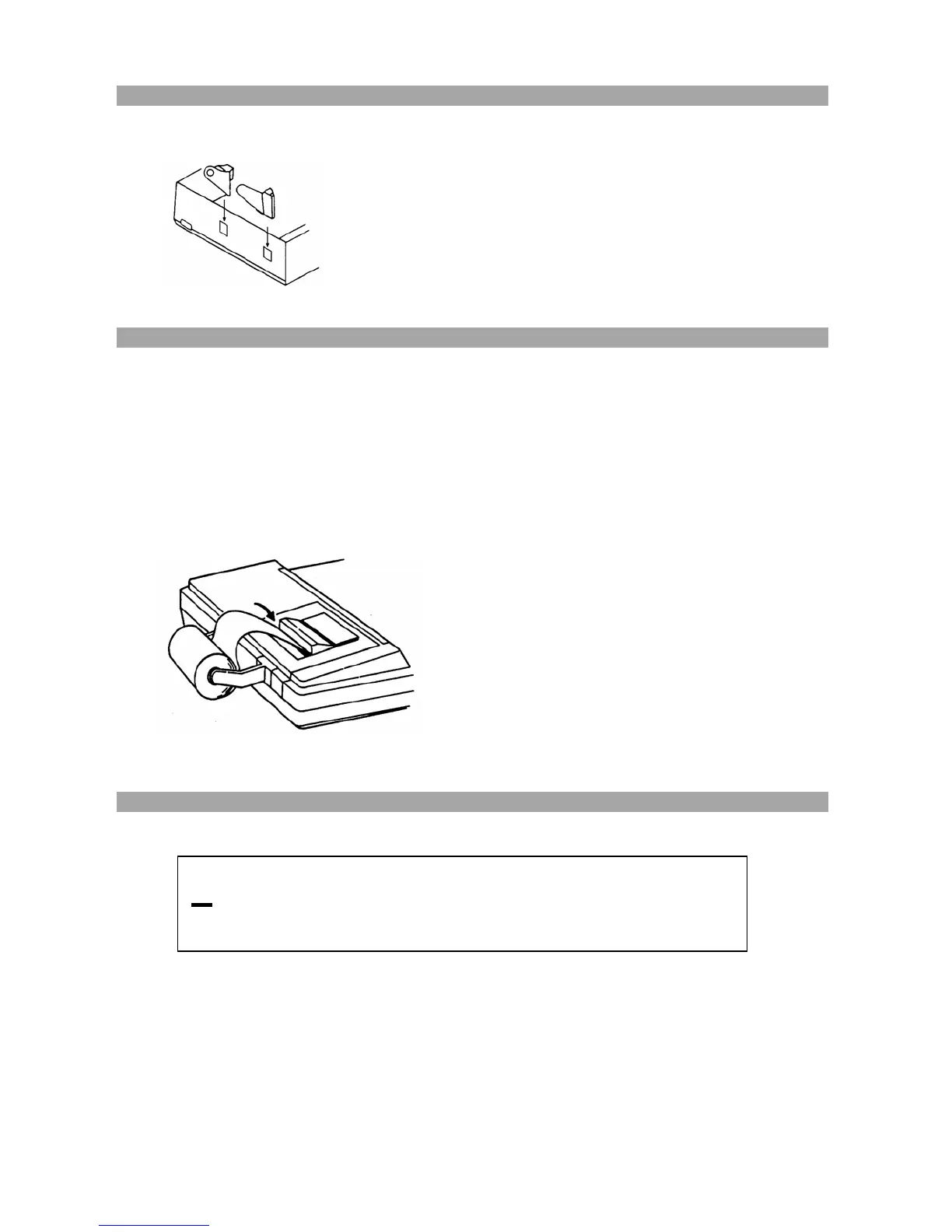
3. INSTALLATION OF PAPER HOLDER
Attach dual paper holder as indicated.
4. LOADING PAPER
1. Plug in calculator and turn it on.
2. Cut or tear evenly the end of paper roll to get a straight, even edge for proper feeding
through the printer head.
3. While holding the paper roll in one hand, feed the paper from the bottom of the roll
and insert into the paper slot at the back of the calculator.
4. Depress paper feed key until the paper catches and advances through the printer.
5. Place the paper roll on the dual paper holders.
5. DISPLAYED SYMBOLS
M : Memory
• : Grand total Memory
-– : Minus (negative)
E : Overflow – error
M
•E
8
;
8
;
8
;
8
;
8
;
8
;
8
;
8
;
8
;
8
;
8
;



 To Next Page