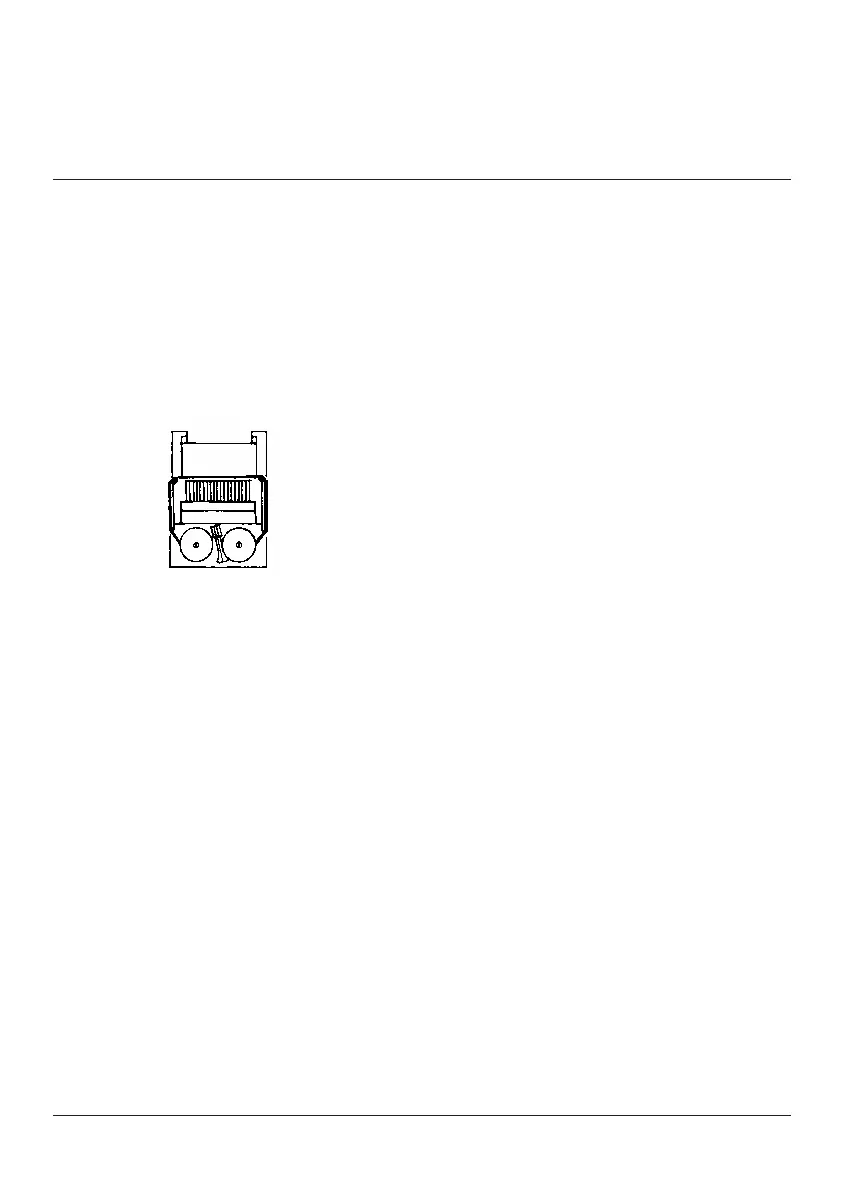
Changing
the Ribbon
(Use P65M, Black/Red twin spool ribbon)
To ensure ease of installation, read the
instructions completely before installing a new
twin spool ribbon. Then follow the instructions
step-by-step.
9LTV]LL_JLZZWHWLY[HWL
9LTV]L[OLWHWLYJV]LYHUKWYPU[LYJV]LY
(Note how ribbon feeds from outside of spools,
around guides and between print wheels and
platen, black band up.)
3PM[V\[ZWVVS[OH[PZUV[LUNHNLKI`SL]LY"
then move lever aside and lift out other spool.
/VSKPUNUL^ZWVVSZV]LYZWPUKSLZ^P[OISHJR
band up and exposed portion of ribbon on
side nearest print wheels, place one spool on
spindle not engaged by lever. Rotate spools to
be sure its pins engage in spindle gear.
;OYLHKYPIIVUHYV\UKN\PKLZHUKIL[^LLU
print wheels and platen.
0UZ[HSSV[OLYZWVVSHUKYV[H[L[VLUNHNL
spindle gear and also to take up slack in
ribbon.
9LWSHJLWYPU[LYJV]LY
CORRECT
INCORRECT
Changing the Ribbon
Use the Monroe P65M Ribbon
1. Remove excess paper tape.
2. Remove the printer cover. (Note how ribbon
feeds from outside of spools, around guides
and between print wheels and platen, black
band up.)
Rotate spools to
b
Then
f
P
Tear off paper between the
u Pull remaining
p
Depress the
p
Apply a firm downward
a
3. Lift out spool that is not engaged by lever;
then move lever aside and lift out other spool.
4. Holding new spools over spindles with black
band up and exposed portion of ribbon on side
nearest print wheels, place one spool on
spindle not engaged by lever. Rotate spools to
be sure its pins engage in spindle gear.
5. Thread ribbon around guides and between
print wheels and platen.
6. Install other spool and rotate to engage
spindle gear and also to take up slack in
ribbon.
7. Replace printer cover.
Then
f
P
Tear off paper between the
u Pull remaining
p
Depress the
p
Apply a firm downward
a



 To Next Page