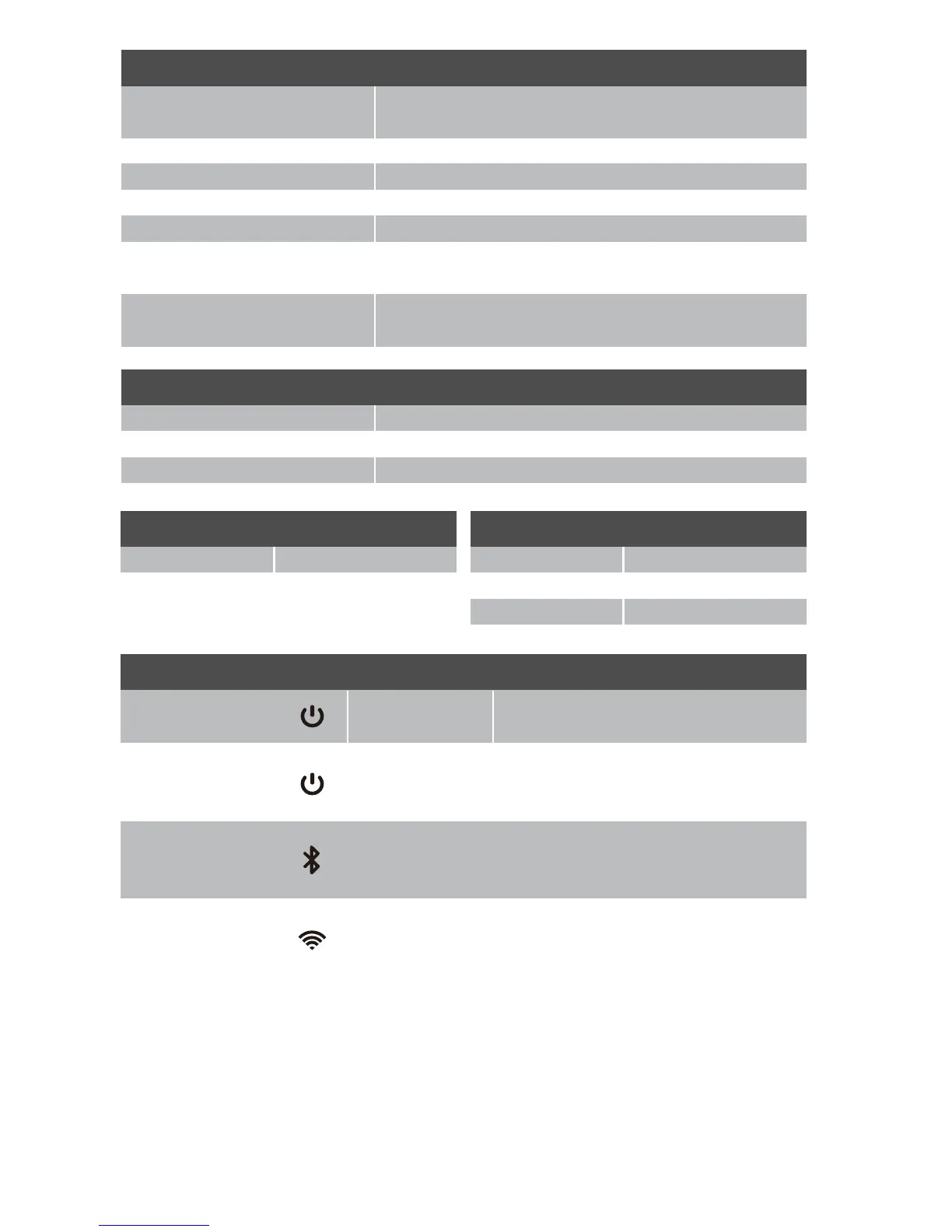
Green Power LED
Red Charging LED
Unit power on mode
Unit in Standby mode
Unit in Standby mode / Fully charged
Low in Battery indication
Blue Bluetooth LED
Charging in progress
Unit is connected with BT device
Unit is in BT waiting mode
Amber EZ-Play LED
Unit is in BT pairing mode
EZ-Play Speakers connected
No connection / Lost connection
On
Off
Off
Slow Flash
On
Steady On
Slow Flash
Fast Flash
Steady On
Slow Flash
Fast Flash Scan Transmit unit signal / send signal
to receive unit (connection request)
Led Status Indicators
Key
Power On / Off Press to turn the speaker ON / Press and hold to turn
speaker OFF
EZ-Play Press to TRANSMIT / Press and hold to RECEIVE
Bluetooth Press and hold to enter pairing mode
Volume DOWN (-) Press to decrease speaker volume
Volume UP (+) Press to increase speaker volume
Color
Light Press to change brightness of LED lights
Volume UP (+) Press and hold to turn LED lights ON/OFF
Operating Temp
Operating Temperature Range 32F° - 104F°
Operating Humidity Range 40~90% RH
Storage Temperature Range -13F° to 158F°
Connections
3.5mm AUX In x 1
Bluetooth
Bluetooth Version 4.2 + EDR
Bluetooth Profile A2DP, AVRCP
Bluetooth Range 10m (33ft.)
Press to change LED light color
Press and hold to turn LED lights ON/OFF
8










 To Next Page