EasyManua.ls Logo

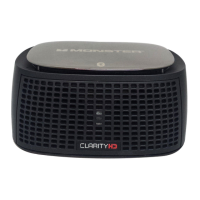
Monster ClarityHD 100 - User Manual

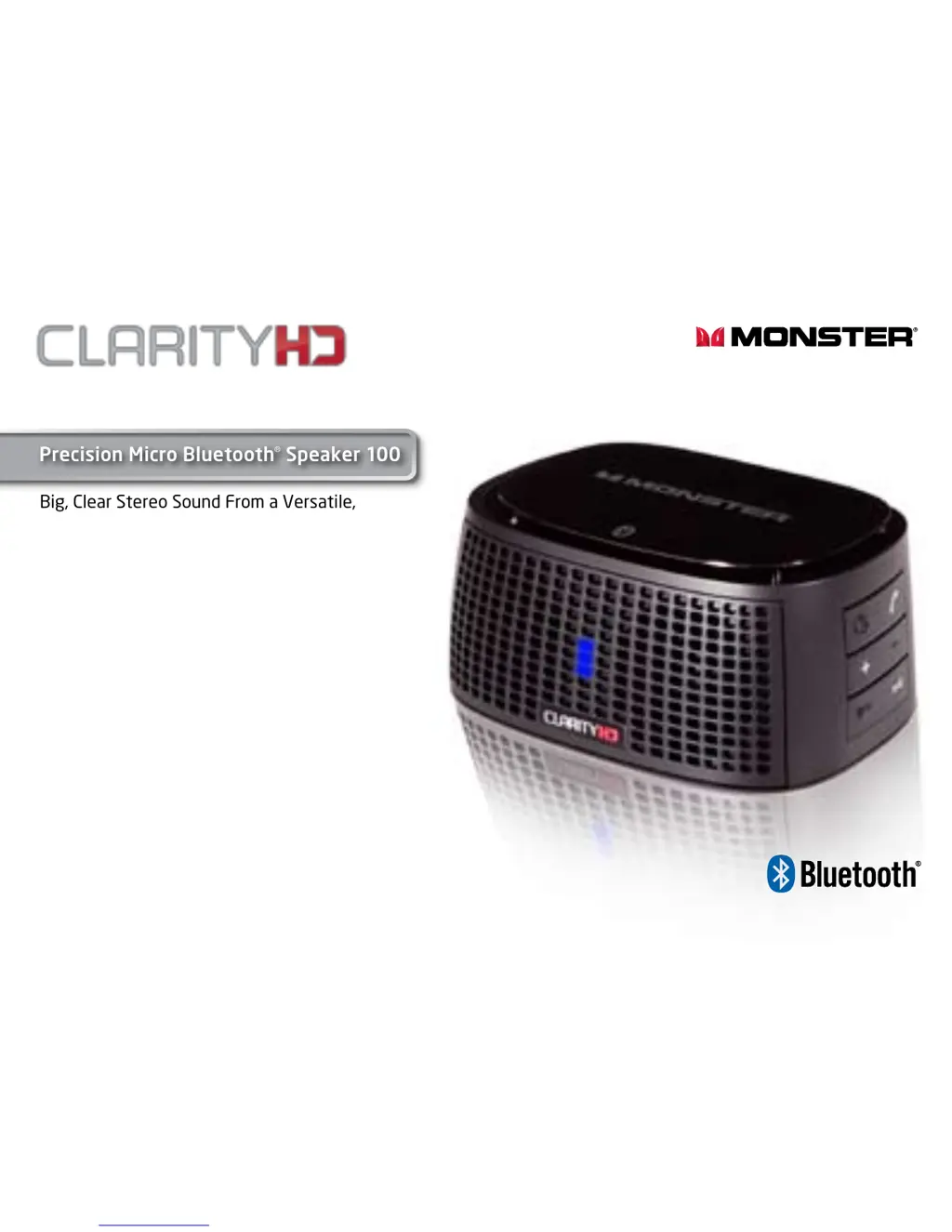
Monster ClarityHD 100
13 pages
Print Icon
To Next Page IconTo Next Page
Loading...
User Guide and
Warranty Information
Listen in High Definition
Big, Clear Stereo Sound From a Versatile,
Palm-sized, Bluetooth Wireless Speaker
and Speakerphone
Precision Micro Bluetooth
®
Speaker 100

Other manuals for Monster ClarityHD 100

Questions and Answers

  • S
    Steven GrahamJul 31, 2025
    Why is the sound very low or is there no sound on my Monster ClarityHD 100?
    • S
      Sandra WillisJul 31, 2025
      If you're experiencing very low or no sound, first, ensure that the volume level is appropriately adjusted on both your ClarityHD Precision Micro Bluetooth Speaker and the connected Bluetooth device. Also, if you are using the 3.5 mm port, double-check that the minijack cable is securely plugged into both the speaker and your device.
  • A
    Andrew GoldenAug 7, 2025
    What to do if LED light is not on on Monster ClarityHD 100?
    • M
      Margaret WilsonAug 7, 2025
      If the LED light is not on, verify that the main switch on your ClarityHD Precision Micro Bluetooth Speaker is turned ON. Also, ensure that your ClarityHD Precision Micro Bluetooth Speaker is adequately charged.
  • D
    Douglas WhiteAug 15, 2025
    Why is hands-free calling not working with Blackberry or mobile phone on Monster ClarityHD 100?
    • Q
      qfloresAug 15, 2025
      If hands-free calling isn't working with your Blackberry or mobile phone, first, confirm that your mobile device supports HSP/HFP. Next, ensure that your Blackberry or mobile phone is properly paired with the speaker. Finally, check the volume level on your ClarityHD Precision Micro Bluetooth Speaker.
  • D
    davismichaelAug 22, 2025
    How to resume music on Monster Speakers after hanging up a call?
    • A
      andrewhillAug 23, 2025
      If your music doesn't resume after a call, simply press the play button to restart the music on your ClarityHD Precision Micro Bluetooth Speaker.

Summary

General Specifications

Features and Benefits

Compatibility

LED Indicator

Set-up and Pairing via Bluetooth

Putting ClarityHD Precision Micro Bluetooth Speaker Into Pairing Mode

Pairing with Bluetooth Equipped Blackberry

Reconnection in Event of Bluetooth Disconnection

Pairing with Bluetooth Equipped PC (Windows 7)

Taking Calls on a Blackberry Connected to ClarityHD Precision Micro Bluetooth Speaker

Controlling Blackberry or Bluetooth PC or music phones music playback

Connecting to a Device Via 3.5 mm AUDIO IN Input

Trouble Shooting

Sound is very low or no sound

Troubleshoots issues with audio output volume or complete lack of sound from the speaker.

Music playback not transferring to speaker

Addresses problems where music from a device is not playing through the Bluetooth speaker.

LED light not on

Resolves issues where the speaker's LED indicator light is not functioning.

Hands-free calling not working

Diagnoses problems with the hands-free calling feature on mobile devices.

Music not resuming after call

Fixes issues where music playback fails to resume after a phone call.

Limited Warranty for Consumers

Scope of Limited Warranty

Details the extent and limitations of the product's warranty coverage.

General Provisions

Specifications Table

Formal Warranty Claim

How to Make a Claim

Provides step-by-step instructions for submitting a warranty claim.

Telephone Numbers

Lists contact phone numbers for warranty support in different regions.

Further Proceedings

Outlines the process for determining warranty claims and repair estimates.

Timing

Specifies the timeframe for resolving warranty claims after submission.

Monster ClarityHD 100 Specifications

General IconGeneral
TypePortable Bluetooth Speaker
Battery LifeUp to 10 hours
Water ResistanceIPX5
Bluetooth RangeUp to 30 feet
Output Power10 Watts
Weight1.2 lbs

Related product manuals