EasyManua.ls Logo

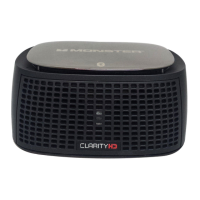
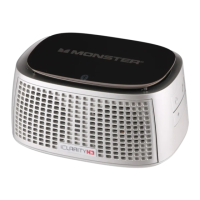
Monster Precision Micro Bluetooth 100 - User Manual

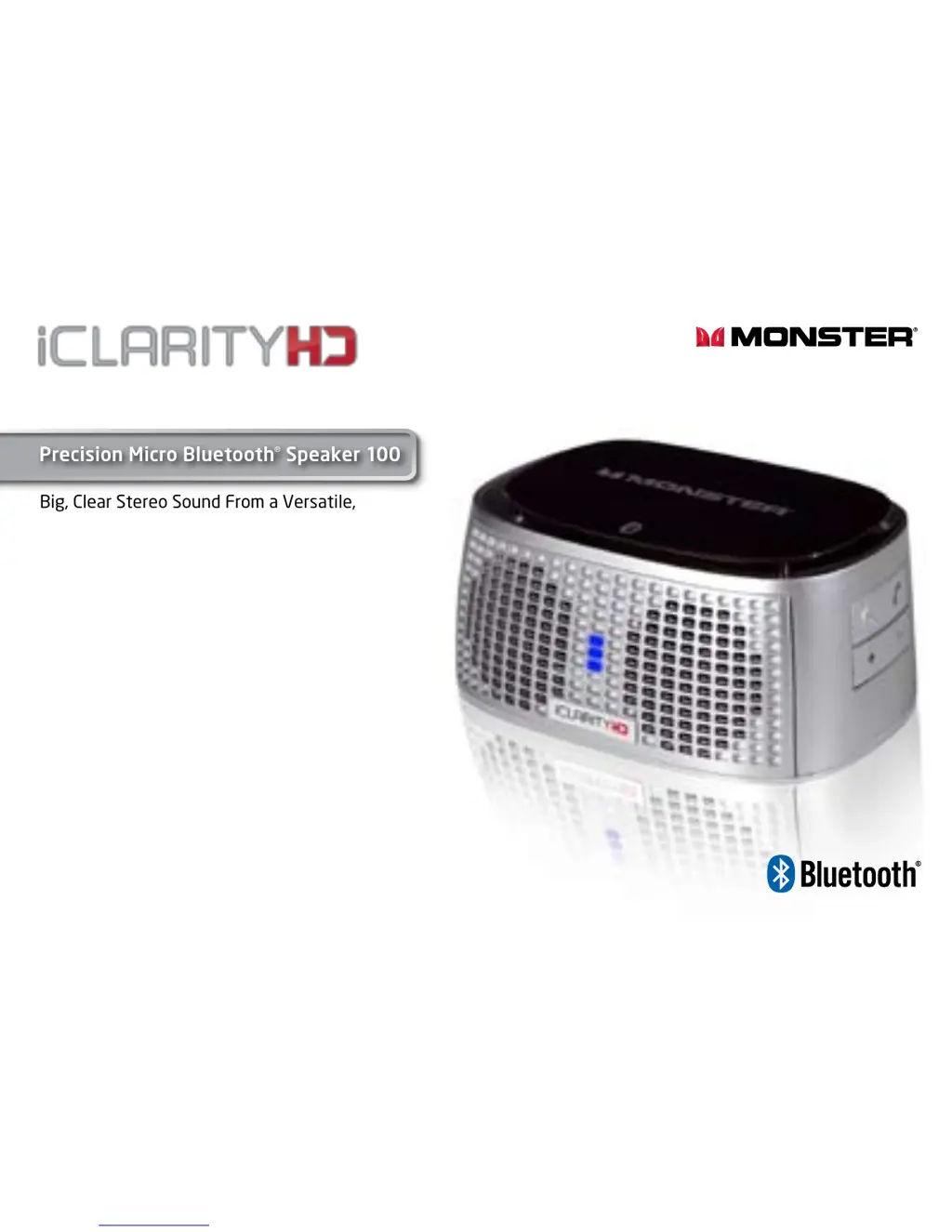
Monster Precision Micro Bluetooth 100
15 pages
Print Icon
To Next Page IconTo Next Page
Loading...
User Guide and
Warranty Information
Big, Clear Stereo Sound From a Versatile,
Palm-sized, Bluetooth Wireless Speaker
and Speakerphone
Listen in High Definition
Precision Micro Bluetooth
®
Speaker 100

Questions and Answers

  • C
    Casey TannerJul 30, 2025
    Why is the LED light not on my Monster Precision Micro Bluetooth 100 Speakers?
    • T
      Timothy WalkerJul 30, 2025
      If the LED light on your Monster iClarityHD Precision Micro Bluetooth Speaker isn't on, first ensure that the main switch is turned ON. If it's still not lighting up, make sure that the speaker is adequately charged.
  • W
    William WilliamsAug 4, 2025
    What to do if hands-free calling is not working with Monster Precision Micro Bluetooth 100?
    • K
      Kristy ThompsonAug 4, 2025
      If your hands-free calling isn't working with your iPhone or mobile phone on your Monster iClarityHD Precision Micro Bluetooth Speaker, ensure your mobile device supports HSP/HFP. Also, confirm that your iPhone or mobile phone is properly paired with the speaker and check the volume level on the speaker itself.
  • M
    mckenzie66Aug 10, 2025
    Why is music not transferring to my Monster Precision Micro Bluetooth 100 Speakers?
    • E
      Eric JosephAug 10, 2025
      If music is playing on your device but not transferring to your Monster iClarityHD Precision Micro Bluetooth Speaker, first ensure that your Bluetooth device supports A2DP. Next, confirm that your device is paired with the speaker. If you are using a 3.5 mm port, make sure the minijack cable is securely inserted into both the speaker and your device.
  • J
    Jimmy SotoAug 14, 2025
    How to fix low sound on Monster Speakers?
    • L
      Lindsay DeanAug 14, 2025
      If the sound is very low or there is no sound from your Monster iClarityHD Precision Micro Bluetooth Speaker, verify the volume level on both the speaker and your Bluetooth device. Also, if you're using the 3.5 mm port, ensure that the minijack cable is securely inserted into both the speaker and your device.
  • J
    Jennifer CaseAug 19, 2025
    What to do if music is not resuming after a call on Monster Precision Micro Bluetooth 100?
    • L
      Leah CarlsonSep 12, 2025
      If music does not resume after you hang up a call on your Monster iClarityHD Precision Micro Bluetooth Speaker, press play to resume music playback.
  • P
    powelltimothyAug 25, 2025
    Why is sound not in stereo when playing music on Monster Precision Micro Bluetooth 100?
    • J
      Jennifer WilliamsAug 26, 2025
      To ensure stereo sound when playing music on your Monster iClarityHD Precision Micro Bluetooth Speaker, verify that the Sound Output is set to “iClarityHD Bluetooth Headphones”.

Summary

Product Features and Specifications

Features and Benefits Overview

Details on the product's features, including Bluetooth 2.0, noise-cancellation mic, drivers, and battery.

Whats Included and General Specs

Lists included items like speaker, travel pouch, USB cable, and general Bluetooth specifications.

Device Compatibility

Information on compatible wireless and wired devices for the Bluetooth speaker.

Connecting and Using Your Speaker

LED Indicator Guide

Explains the different states of the LED light on the speaker.

Bluetooth Pairing Setup

Instructions for pairing the speaker with devices like iPad, iPhone, iPod, and Mac.

Audio Input and Output Settings

Guidance on setting Mac's audio input/output for optimal use with the speaker.

Call Handling and Playback Control

How to take calls on an iPhone and control music playback via Bluetooth or 3.5mm input.

Troubleshooting and Battery

Recharging the Battery

Steps and indicators for recharging the speaker's battery.

Common Troubleshooting Issues

Solutions for low sound, no sound, stereo issues, connectivity, and LED problems.

Limited Warranty Information

Consumer Limited Warranty Details

Defines terms, scope, and general provisions of the limited warranty.

Making a Warranty Claim

Instructions on how to submit a formal warranty claim and contact information.

Monster Precision Micro Bluetooth 100 Specifications

General IconGeneral
BrandMonster
ModelPrecision Micro Bluetooth 100
CategorySpeakers
TypePortable Bluetooth Speaker
ConnectivityBluetooth

Related product manuals