EasyManua.ls Logo

Monster ClarityHD Micro - User Manual

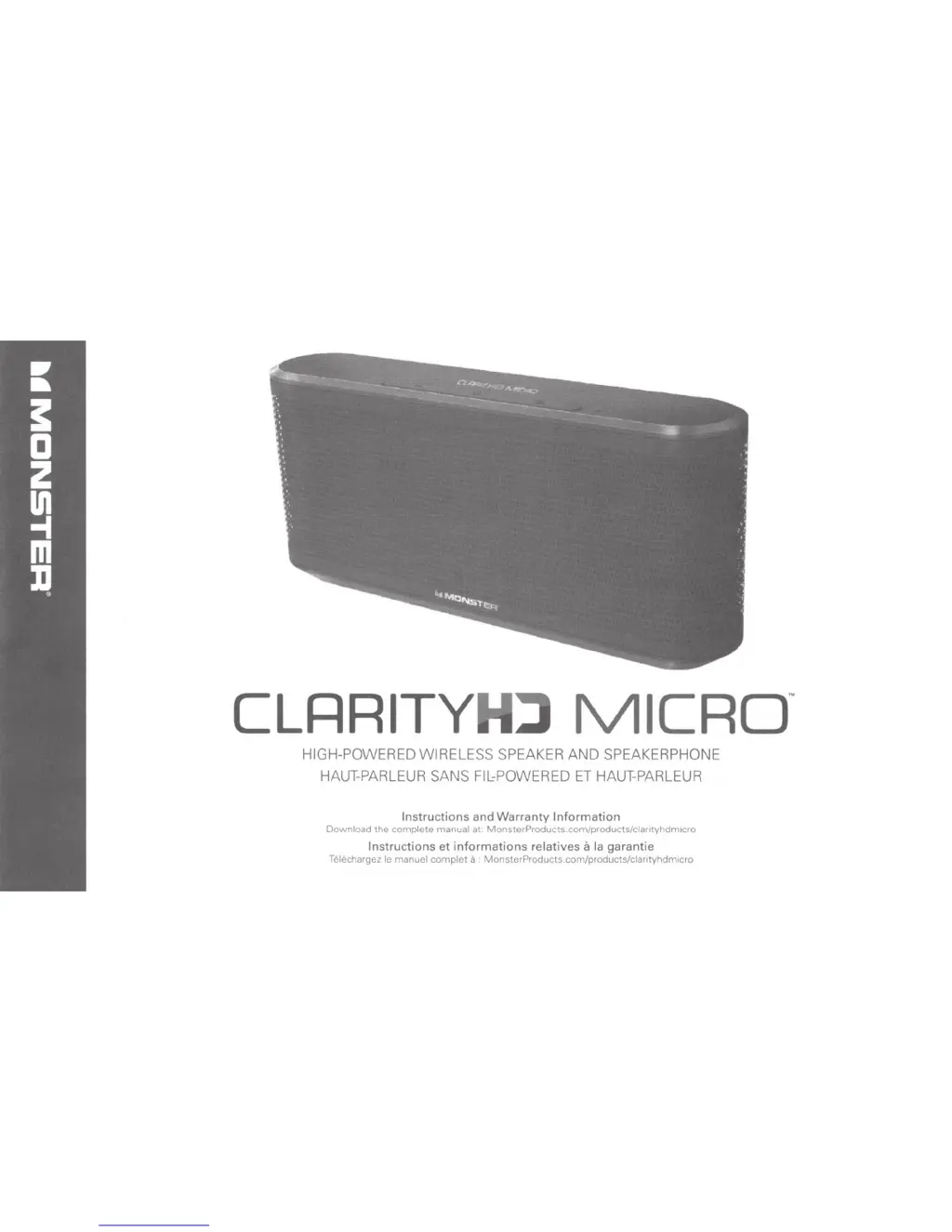
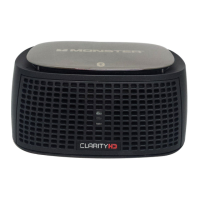
Monster ClarityHD Micro
32 pages
Print Icon
To Next Page IconTo Next Page
Loading...
CLRRITYH~
MICRo
·
HIGH
-
POWERED
WIRELESS
SPEAKER
AND
SPEAKERPHONE
HAUT-PARLEUR
SANS
Fll.:POWERED
ET
HAUT-PARLEUR
Instructions
and
Warranty
Information
Download
the complete
manual
at
MonsterProducts.com/products/clarityhdmlcro
Instructions
et
informations
relatives
a
Ia
garantie
Telechargez le manuel complet
a
MonsterProducts.com/products/clantyhdmlcro

Other manuals for Monster ClarityHD Micro

Questions and Answers

  • A
    Ashley WilsonAug 17, 2025
    Why does my Monster ClarityHD Micro Speakers Bluetooth signal keep dropping?
    • M
      Margaret FloresAug 17, 2025
      If your Monster Speakers Bluetooth signal is weak or drops out, try these steps: First, move your speaker and Bluetooth device closer together, as the pairing range is about 30 feet but can be affected by walls. If that doesn't work, turn both the speaker and your Bluetooth device off and then reconnect them.
  • J
    janet26Aug 19, 2025
    How to reset Monster ClarityHD Micro that does not respond to voice or button commands?
    • D
      Diana RussellAug 19, 2025
      If your Monster Speakers aren't responding to voice or button commands, use a paper clip to press the recessed reset button on the back of the speaker while it is turned on.
  • A
    Alexander GardnerAug 22, 2025
    How to fix Monster ClarityHD Micro Speakers that won't power on?
    • A
      angelaguerreroAug 22, 2025
      If your Monster Speakers won't power up, make sure the lithium-ion battery is fully charged. If you're using a power adapter, check that all connections are secure.
  • N
    Nathan CollierAug 25, 2025
    What to do if my Bluetooth device is paired but no music plays on Monster ClarityHD Micro?
    • S
      Seth TaylorAug 26, 2025
      If your Bluetooth device is paired with your Monster Speakers, but no music is playing, ensure the volume is turned up to the maximum level on both the speaker and your Bluetooth device.
  • E
    Emily WestAug 27, 2025
    Why is there no music playing from my MP3 player connected to Monster ClarityHD Micro Speakers via a 3.5mm cable?
    • J
      James WilliamsAug 28, 2025
      If your MP3 player is connected to your Monster Speakers with a 3.5mm cable, but no music is playing, make sure that the speaker is not paired to a Bluetooth device. A Bluetooth connection will override a device connected by cable.
  • S
    Stephen GarciaAug 30, 2025
    What to do if Monster ClarityHD Micro Speakers do not respond to voice or button commands?
    • A
      Alexander RobertsonAug 30, 2025
      If your Monster Speakers do not respond to voice or button commands, use a paper clip to press the recessed reset button on the back of the speaker while it is turned on.
  • M
    Michael LopezSep 2, 2025
    Why is there no sound when my Monster ClarityHD Micro are in speakerphone mode?
    • S
      sparksseanSep 2, 2025
      If your Monster Speakers are in speakerphone mode, but no sound is coming out, confirm that your Bluetooth device supports all profiles.
  • M
    Margaret GibsonSep 5, 2025
    How to fix Monster ClarityHD Micro Speakers when it does not power up?
    • H
      Hailey ManningSep 5, 2025
      If your Monster Speakers aren't powering up, ensure the lithium-ion battery is fully charged. If you're using a power adapter, check that all connections are secure.
  • N
    Nicholas FisherSep 7, 2025
    What to do if my Bluetooth device is paired, but no music plays on my Monster ClarityHD Micro Speakers?
    • E
      Elizabeth DavidSep 7, 2025
      If your Bluetooth device is paired with your Monster Speakers but no music is playing, make sure the volume is turned up to the maximum level on both the speaker and your Bluetooth device.
  • H
    hlucasSep 12, 2025
    What to do if MP3 player is connected via 3.5mm cable, but no music plays on my Monster Speakers?
    • B
      bailey13Sep 12, 2025
      If your MP3 player is connected via a 3.5mm cable but no music is playing through your Monster Speakers, ensure that the speaker is not paired to a Bluetooth device, as a Bluetooth connection takes priority over a device connected by cable.

Summary

Micro Features and Controls

Built-in microphone

For voice commands/speakerphone use.

Volume Buttons

Controls for adjusting audio volume levels.

Multi-function button

Activates voice command, pairing mode, and other functions.

LED Indicator light

Indicates mode and function of Micro.

Removable front and rear grilles

Features optional interchangeable grilles.

USB port

Connect to power adapter with USB micro cable to charge Micro.

Line In jack

Connect device to Micro with 3.5mm cable.

Power switch

Turns Micro ON/OFF.

Recessed reset button

Use paper clip to press in the event of a system lockup.

Compatibility and Safety

Wireless Compatibility

Connects to devices with Bluetooth 2.0 or above.

Wired Compatibility

Connects via standard 3.5 mm headphone output port.

Safety Precautions

General safety warnings about product usage, heat, batteries, liquids, and disposal.

Operation

Turning the Micro On

How to power on the device and initial connection.

Multifunction Button Usage

Controls music, voice control, and pairing functions.

Connecting Devices

Steps to pair via Bluetooth or connect via cable.

Voice Commands

How to activate and use voice commands.

Listen to Music

Controls for playing music, volume, and tracks.

Speakerphone Function

Functions for handling calls and muting the microphone.

Charging the Device

Instructions for charging the internal battery.

Replacing Grilles

Guide on how to change the front and back grilles.

Package Contents

Voice Command Menu

Main Menu Commands

Commands for basic operations and navigation.

Settings Menu Commands

Commands to configure device settings and prompts.

Trigger Settings Menu Commands

Commands to manage voice trigger behavior.

Call Menu Commands

Commands for handling incoming calls.

Troubleshooting

Troubleshooting Guide

Solutions for common device issues like power, audio, and responsiveness.

Limited Warranty for Consumers

Definitions

Explains terms like Adequate Use, Product Defect, Warranty Period.

Warranty Scope and Provisions

Details on warranty coverage, limitations, and governing law.

How to Make a Claim

Steps to follow for making a warranty claim.

Warranty Contact Information

Contact details for warranty claims and support.

Warranty Claim Process

Information on how Monster handles claims and timelines.

Monster ClarityHD Micro Specifications

General IconGeneral
BrandMonster
ModelClarityHD Micro
CategorySpeakers
LanguageEnglish

Related product manuals