EasyManua.ls Logo

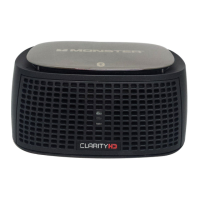
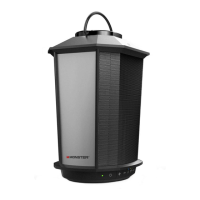
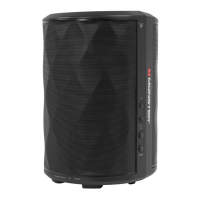
Monster ClarityHD one - User Manual

Monster ClarityHD one
84 pages
Print Icon
To Next Page IconTo Next Page
Loading...
manual and warranty
manuel et garantie
manual y garantía

Questions and Answers

Summary

Important Safety Information

Set-up

Connection to Passive Monitor

Connects the passive monitor to the active monitor using an 8-pin DIN cable.

Power

Connecting Audio Devices

Connecting iPod;iPhone

Features a built-in dock for direct iPod/iPhone connection and remote control.

Using Remote Control to Control Clarity HD Model One Monitors

Using Remote Control to Control iPod;iPhone

Using Remote Control for iPod or iPhone Playback

Controls playback functions like play, pause, skip, and scan for docked devices.

Troubleshooting

LIMITED WARRANTY FOR CONSUMERS

FORMAL WARRANTY CLAIM

HOW TO MAKE A CLAIM

Step-by-step instructions for submitting a warranty claim.

Monster ClarityHD one Specifications

General IconGeneral
BrandMonster
ModelClarityHD One
Speaker TypePortable Bluetooth Speaker
ConnectivityBluetooth
Color OptionsBlack, Red

Related product manuals