
 To Next Page

T
terrynewtonNov 4, 2025
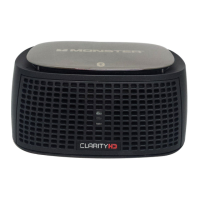
How to fix no sound on Monster Speakers Clarity HD Model One Monitors?
- DDerrick CabreraNov 4, 2025
If you're not getting any sound from your Clarity HD Model One Monitors, here are some things to check: * Make sure your iPod/iPhone is securely docked, turned on, and playing music. * Verify the power cord is properly connected at the back of the monitors and plugged into a working AC outlet. Also, ensure the power button is pressed and the power LED is lit. * If using the mini jack input, remove your iPod/iPhone from the dock. * Press the Play/Pause button on the remote. * Increase the volume. * Try removing and reseating your iPod/iPhone in the dock after a 5-second wait. * Reset the system by unplugging the power cable for 60 seconds, then plugging it back in and pressing the power button. * If using AUX IN, ensure the connected device is on, playing music, and its vol...
 General