Soundisverylow
or no sound
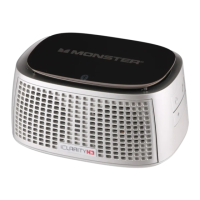
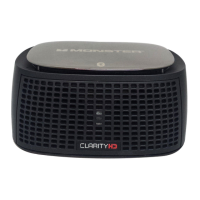
•PleasecheckiClarityHDPrecision
MicroBluetoothSpeakerorBluetooth
deviceVolumeLevel
•Ifusing3.5mmport,besurethe
minijackcableissecurelyinserted
intoiClarityHDPrecisionMicro
BluetoothSpeakerandyourdevice
Soundnotinstereowhen
playingmusic
•MakesuretheSoundOutputisset
on“iClarityHDBluetoothHeadphones.”
SeesectionSetting your Mac’s Audio
Input and Output
Trouble ShootingRecharging Battery
Makesurethepowerswitchissetto“ON.”Plugthe
MiniUSBendoftheincludedUSBcableintotheUSB
miniport,marked“USBCharging”onthebackof
iClarityHDPrecisionMicroBluetoothSpeaker.Plug
theotherendintoaUSBportonyourcomputerorotherdevicesmadefor
USBcharging.TheLEDlightwillbegintoashBLUE.Itwillstopashing
atfullcharge.Chargetimeis3hrsfromanemptybattery.
NOTE:AlwaysbesuretoswitchiClarityHDPrecisionMicroBluetooth
Speakertothe“OFF”positionwhennotinusetosavebatterycharge.








 To Next Page