EasyManua.ls Logo

Monster MT-TT02 - User Manual

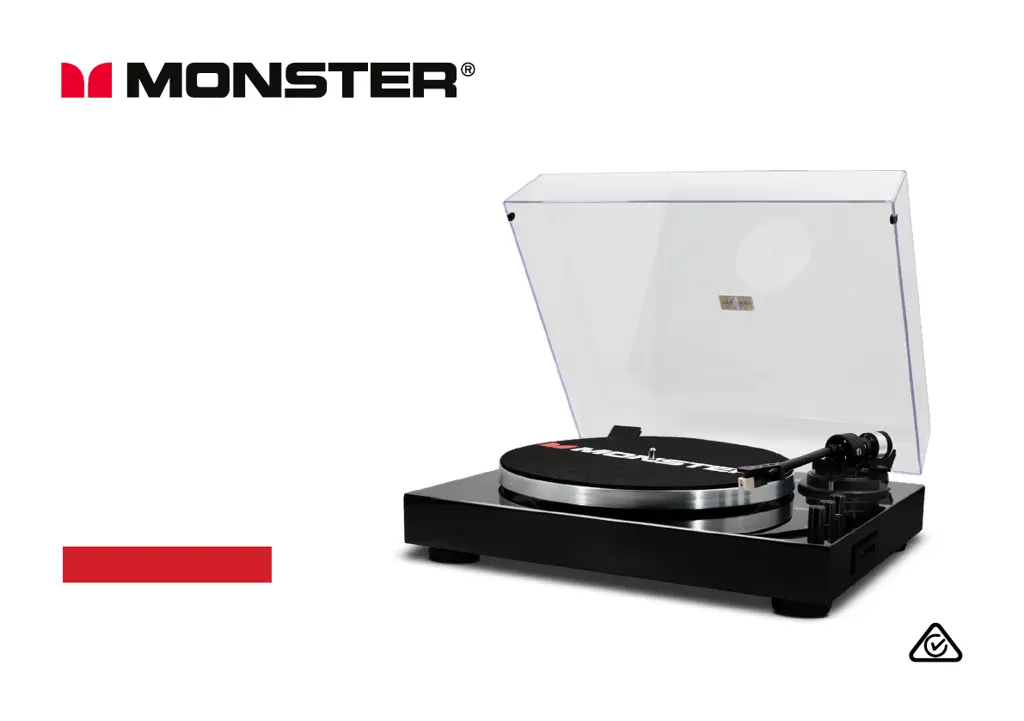
Monster MT-TT02
16 pages
Print Icon
To Next Page IconTo Next Page
Loading...
3-SPEED
TURNTABLE
User Manual
MODEL: MT-TT02

Questions and Answers

  • A
    Andrew MeadowsAug 11, 2025
    Why is there no sound coming from my Monster Turntable?
    • N
      nancy90Aug 11, 2025
      If you're not getting any sound from your Monster Turntable, there are a few things to check: * Ensure the turntable is in the correct mode. * If you're using Bluetooth, verify that the Bluetooth source device isn't muted or has stopped playing. * Also, check the volume on any external amplifier you're using; make sure it's not muted and that the volume is turned up.
  • T
    Taylor TranAug 18, 2025
    How to fix a Monster Turntable that has no power?
    • B
      Barry MurilloAug 19, 2025
      If your Monster Turntable isn't powering on, make sure the power adapter is properly connected and that the AC outlet you're using has power.
  • M
    marvin84Aug 27, 2025
    What to do if the vinyl record will not play on Monster Turntable?
    • B
      Brian PetersAug 27, 2025
      If your vinyl record isn't playing on your Monster Turntable, try these steps: 1. Ensure the turntable is in the correct mode. 2. Make sure you've selected the correct speed (33, 45, or 78rpm). 3. Check whether the vinyl has already played to the end.
  • A
    amandajonesSep 3, 2025
    Why my Monster Turntable won't playback from USB?
    • T
      Tim NicholsSep 3, 2025
      If your Monster Turntable won't playback from a USB drive, make sure that the turntable is in the correct mode and the music file format is MP3.

Monster MT-TT02 Specifications

General IconGeneral
Built-in Phono PreampYes
PlatterAluminum
TypeBelt Drive Turntable
Speeds33 1/3, 45 RPM
ConnectivityRCA Output
Cartridge TypeMM (Moving Magnet)
OutputRCA
Power SupplyAC Adapter

Related product manuals