CONTROLS AND CONNECTIONS | 9
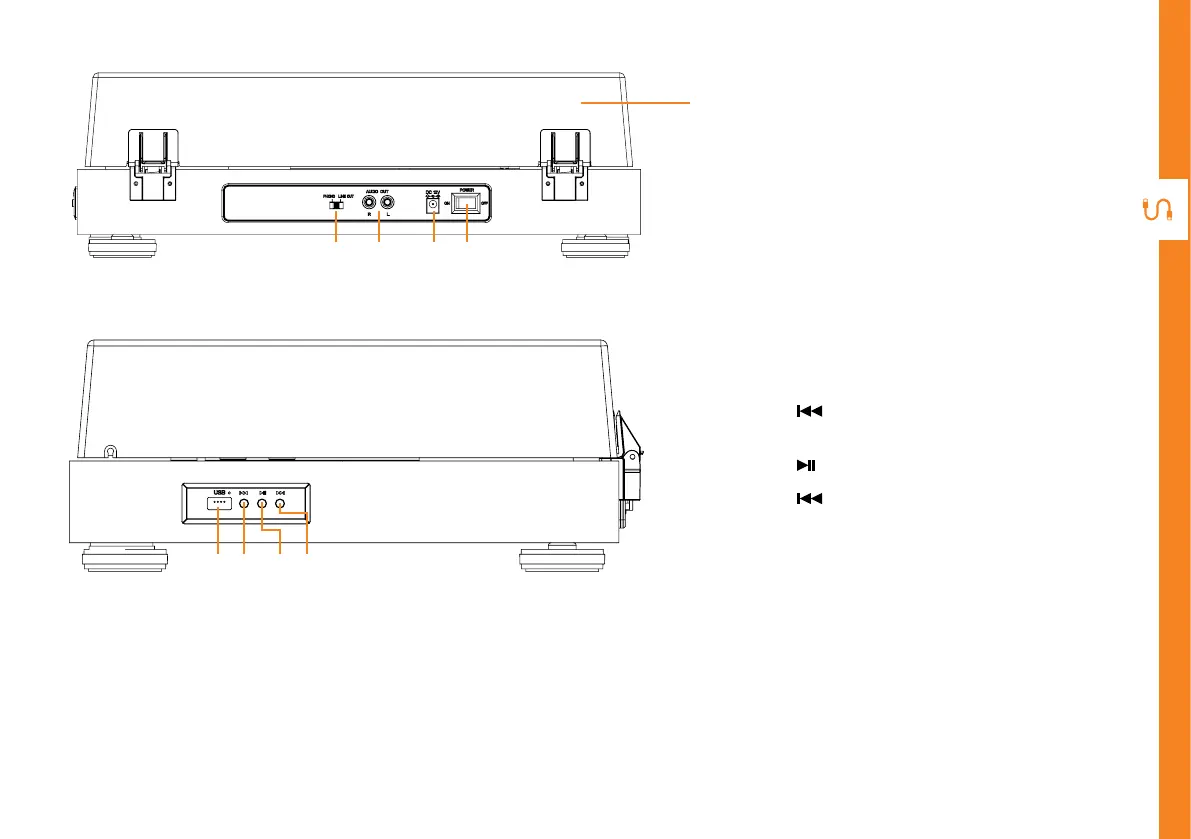
REAR VIEW
SIDE VIEW
14
10
15 16 17 18
11 12 13
10. Phono/Line Out output - select
between phono or line out output
11. RCA output - use the supplied
3.5mm to RCA audio cable to
connect to your external speakers
(not included) for audio playback
12. DC port - use the supplied AC
adaptor to connect to the DC port
and the other end to a power source
13. On/O switch
14. Acrylic dust cover
15. USB port
16. button: press to play previous
song
17. button: press to play/pause song
18. button: press to play next song



 To Next Page