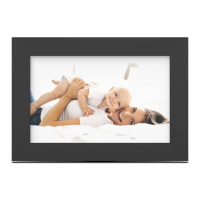
Package Contents
The following accessories should be included in your
package.
Contents:
• USB 2.0 Cable
• Power Adapter
Getting Started
1. Attach the frame stand to the frame
2. Plug in the power adapter to a wall outlet
3. Power on the photo frame by pressing the ‘Power
Button’ on the back of frame
4. Follow the prompts on the photo frame to connect the
frame to your WiFi network. IMPORTANT: The frame
must be connected on the 2.4GHz network
•Select the WiFi connection utilizing the photo
frame touchscreen display. If required, enter the
WiFi password.
• “Connected” will appear below your selected WiFi
network.
• Press the arrow in the upper right corner of the
photo frame touch screen to move on to the next
step.
• Digital Frame
• Instruction Manual
• Frame Stand
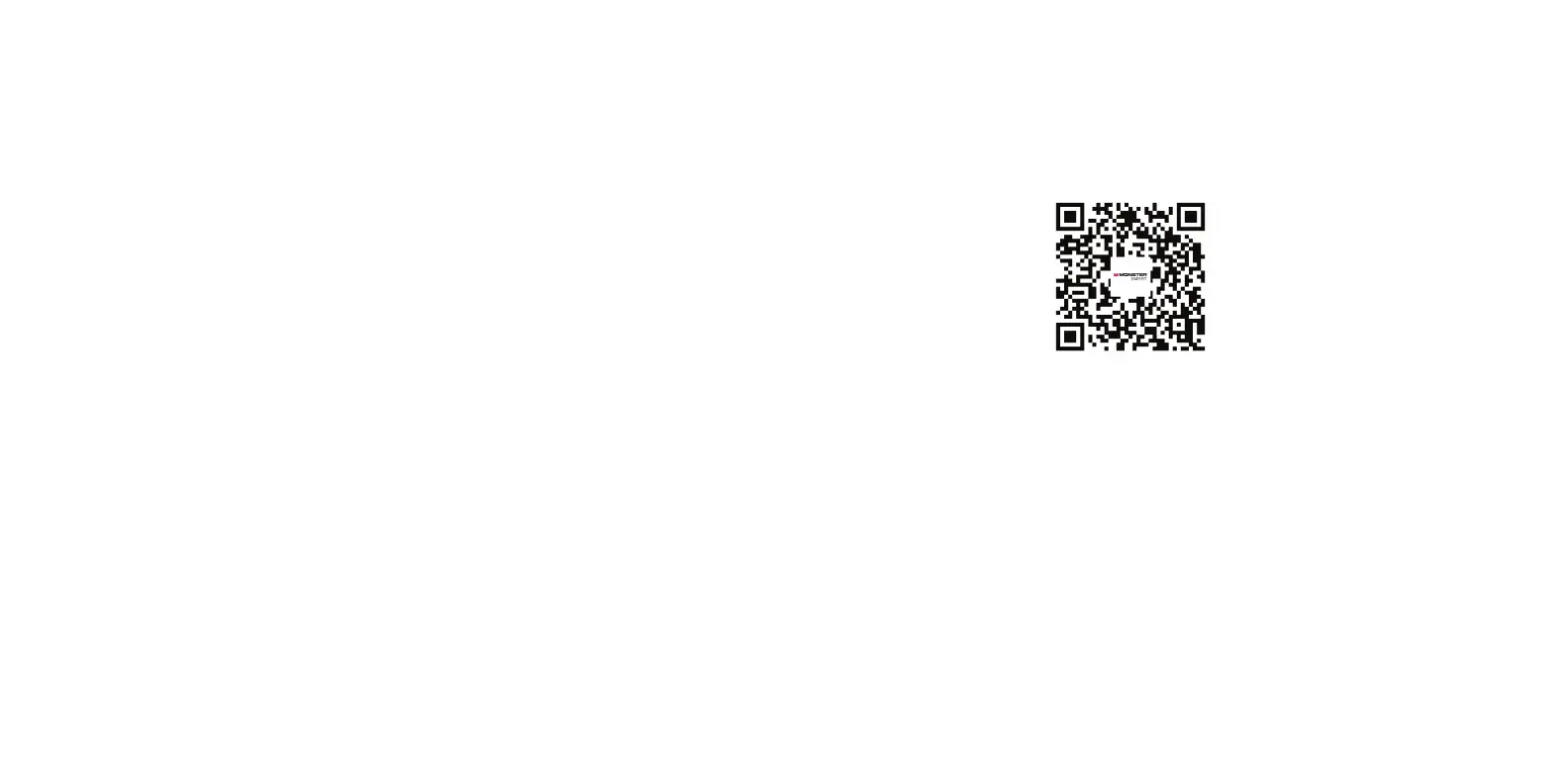
Download the Monster Smart App
1. Download the Monster Smart App from the Google
Play (Android) or Apple App Store (iOS). Search for
the app, or scan the QR codes below to download.
2. Follow the prompts in app and enter all required
information to create your account, then log in to your
account.
Connect Your App to the Monster Smart Digital Photo
Frame
1. Ensure the frame is connected to the same WiFi net-
work as your device (reference previous page) and the
frame is powered on
2. Log into the Monster Smart App on your device
3. Click “Add Device”
4. Click Digital Frame
3
8


 To Next Page
 Loading...