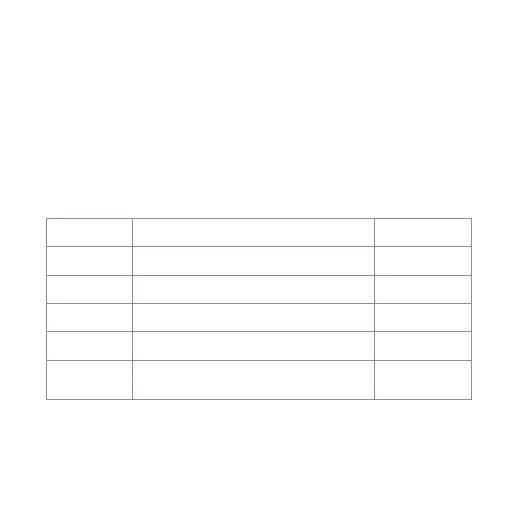
LED Indicator Guide
Status
Description
Tone
Power On LED indicator: blue LED stays On about 1 second
Opening Tone
Power Off
LED indicator: red LED stays On about 1 second
Shutdown Tone
Pairing
Connected
Charging
LED indicator: blue LED flashes quickly
LED indicator: blue LED stays On
Charging LED indicator: Red LED lights when
charging, turns off aer fully charged
Pairing Tone
Connected Tone
-
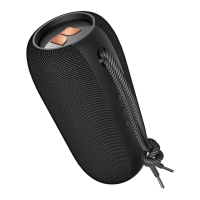
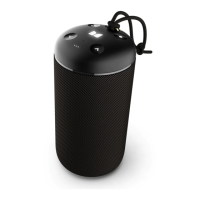
1.Turn on both speakers and do not connect a Bluetooth device such as a mobile phone
2.Double press the MFB on one of the speakers and hear the tone, the speaker will try to
connect another speaker automatically.
Aer the two speakers are successfully connected, the “Le channel” and “Right channel”
voice prompts will be heard within a few seconds.
Note: For best listening in stereo mode, speakers must be placed in an equal distance
apart from the listener.










 To Next Page