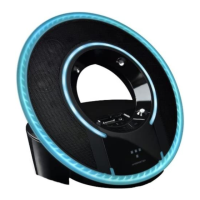
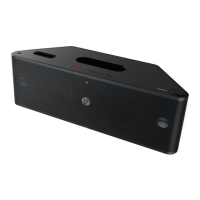
Lighting Control Switch
When the Tron Light Disc Dock is ON, the Lighting Control switch may
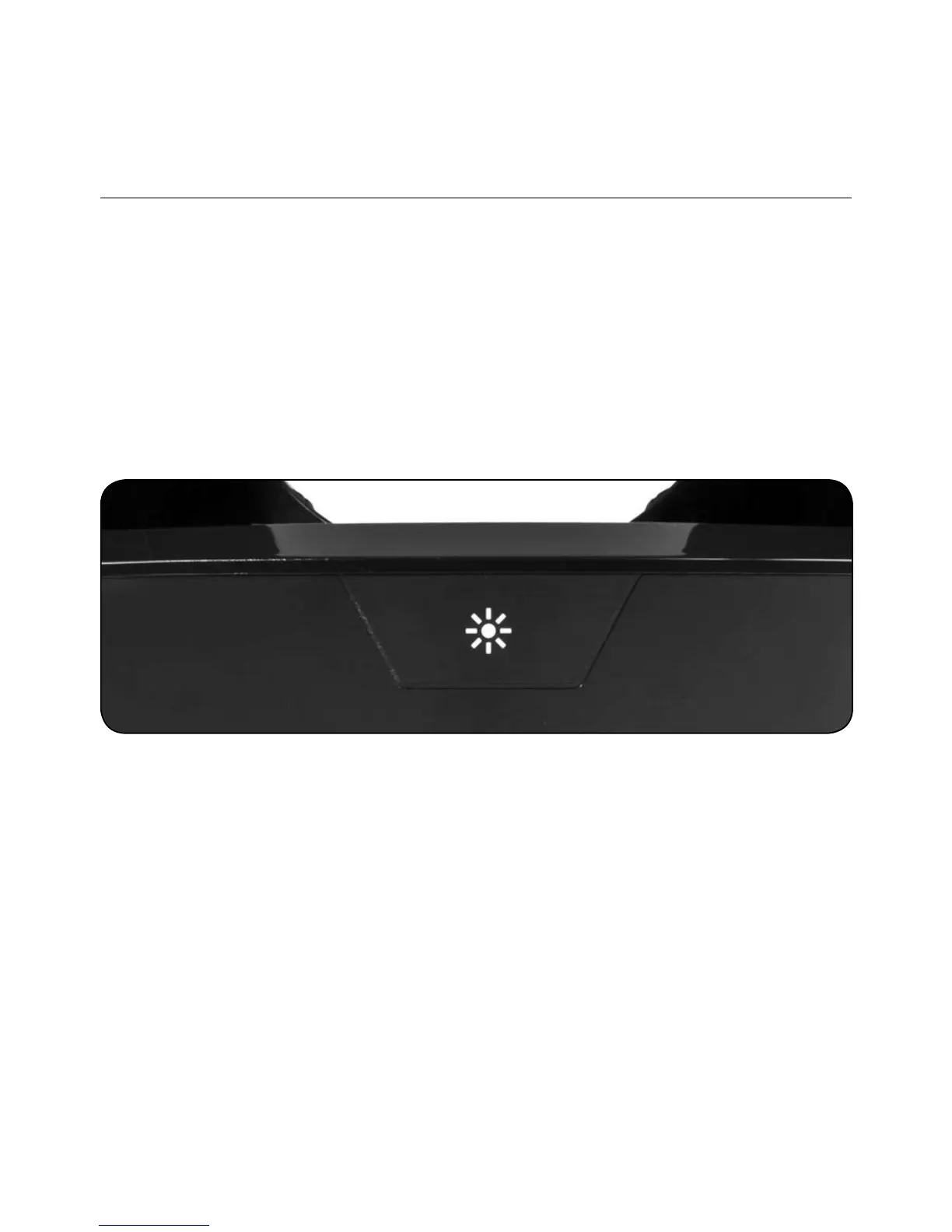
be used to Dim the Light Disc’s intensity. By pressing the Capacitive
touch area (shown below), you may dim the disc’s lights from High, MED,
LOW, OFF. This only works while the DOCK is fully ON or Powered On
through the AUTO Mode (when an iPod is docked) once to turn On.
Push again to dim lights. Push again to turn lights Off.
13
ENGLISH


 To Next Page
 Loading...