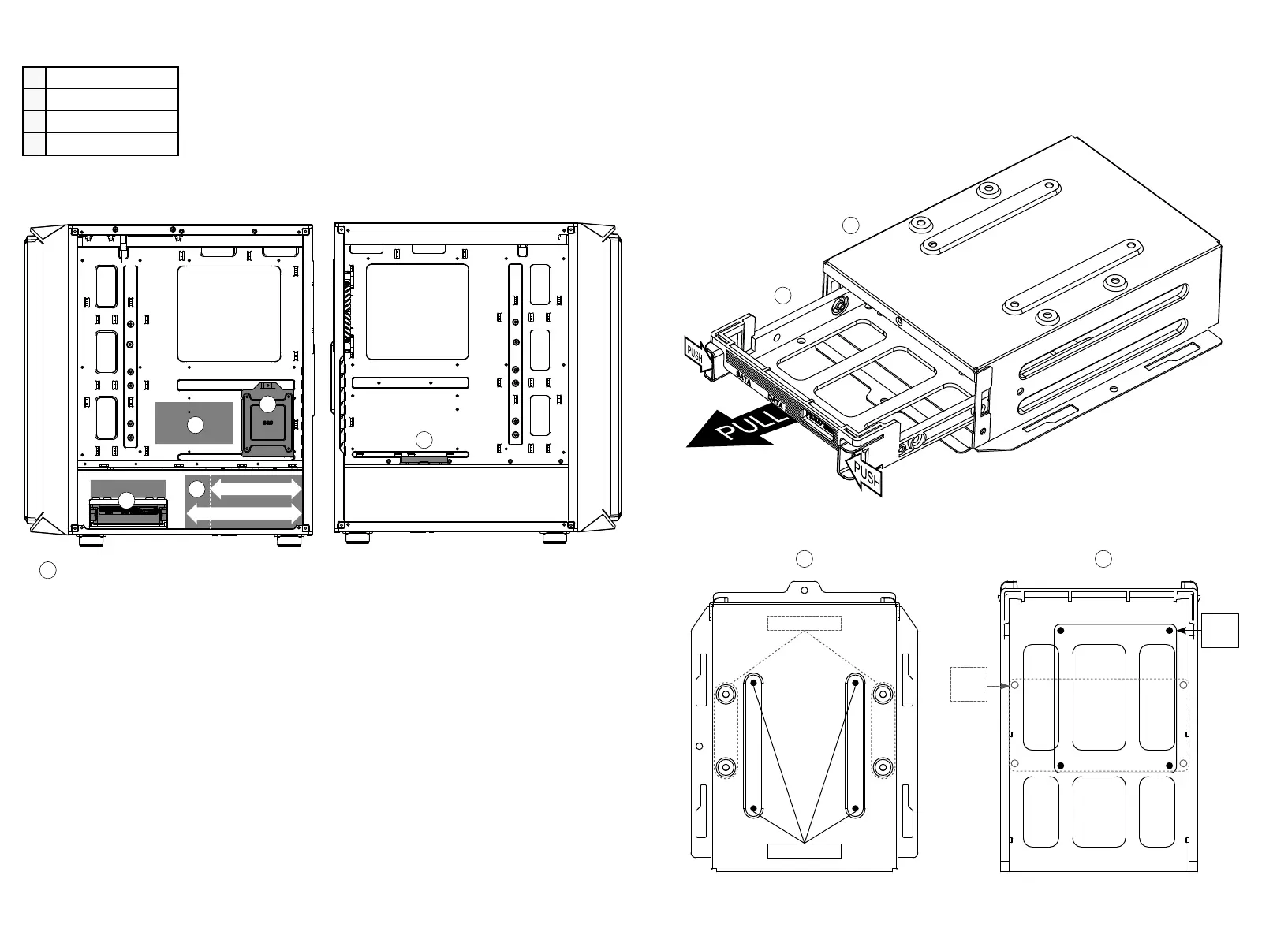
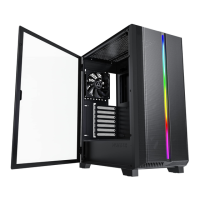
1 SSD * 2
2 SSD * 2 or HDD * 2
3 PSU 160~200mm
4
Controller/ 控制板
10 11
Mini ITX
Micro ATX
Extended ATX
I
M
M
A A
E
E
E
A
M
M
MII
M
I I
E
A
200mm
160mm
inStallation of SSd on the panel and bracket / hdd cage poSition & power Supply Support
1
4
1
2
3
1
A
A
B
B
Pull out the hard drive holder, lock the screws at the screw holes, and then return the hard
drive holder to the original position.
將硬碟架拉出,對準螺絲孔位鎖上螺絲後,再將硬碟架放回原位即可
Install on hard drive bracket/ 裝於硬碟架上
For HDD
For
HDD
For
SSD
For SSD


 To Next Page