TROUBLESHOOTING
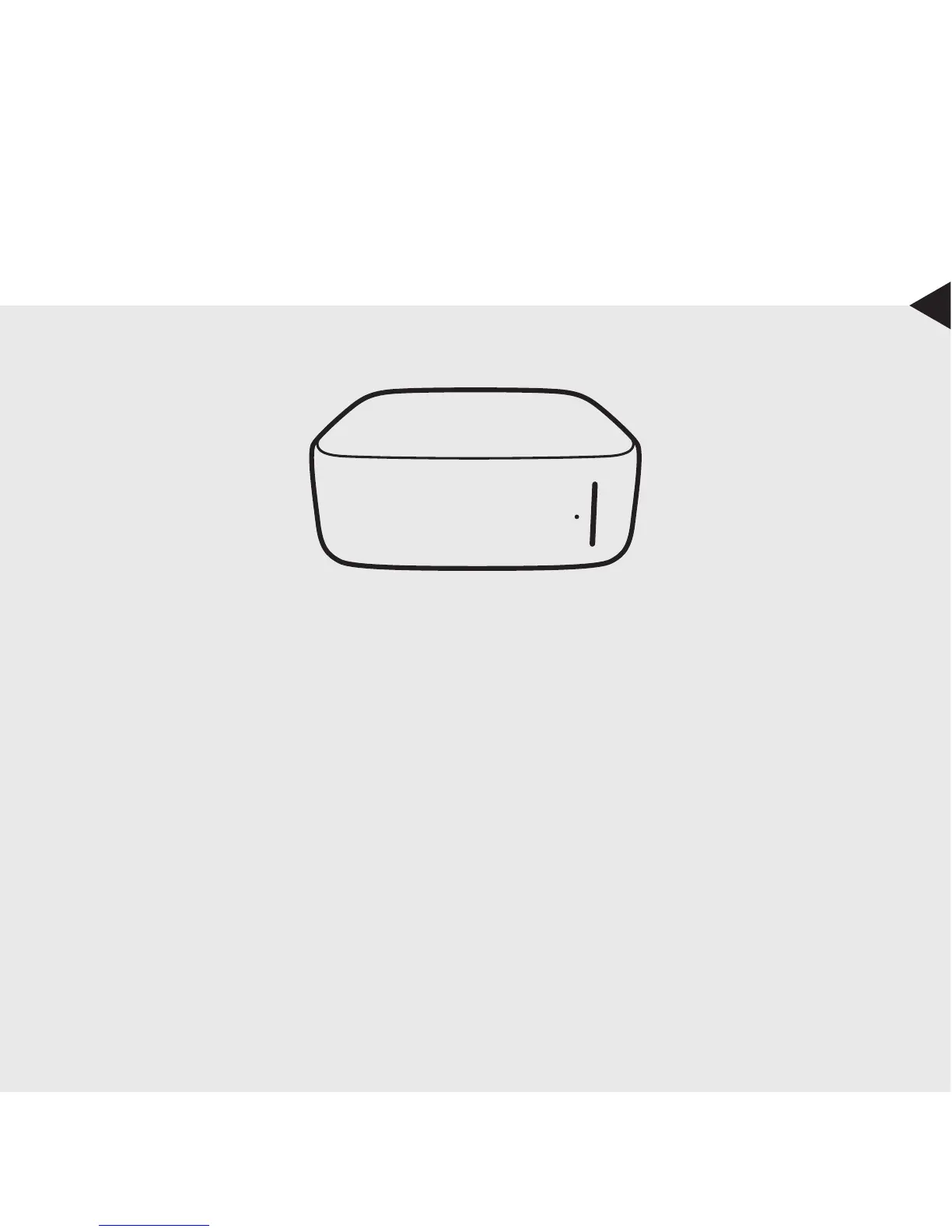
If the device is not functioning as expected, please check the front light:
Red: Firmware or hardware error. Visit www.getmonument.com/troubleshooting.
Blinking Blue: The device requires user attention. Follow the instructions on the mobile
app.
No Light: Check if the power supply is connected to a wall outlet and to the device.
For additional support visit www.getmonument.com/support.


 To Next Page